ZELLA FOR IPHONE & IPAD

The whole studio. In your pocket.

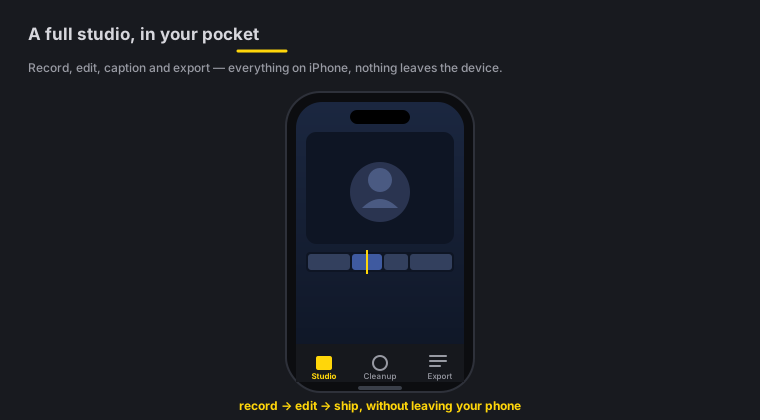
Record on the go, then cut, caption, grade and reframe entirely on-device — Zella's editor, rebuilt native for iPhone and iPad. No cloud, no account, nothing uploaded. One Zella Pro unlocks every Apple device you own.

Coming soon

iPhone & iPad · iOS 17+ · Universal (one purchase unlocks Mac too) · 100% on-device

Zella for iPhone & iPad — record, cut, caption, grade and reframe entirely on-device

A full studio, rebuilt native for iPhone and iPad.

Capture anywhere on iPhone and iPad
01 · CAPTURE

Capture anywhere

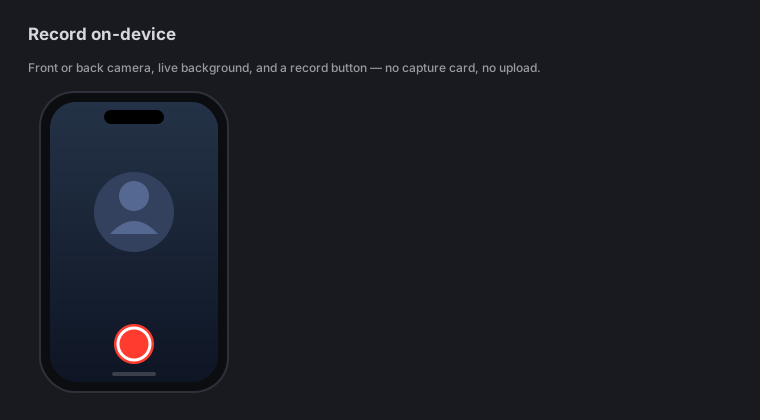
  • Camera recording — front or back, with a live background you can blur, cut out or replace while you film, baked straight into the recording
  • Screen recording (ReplayKit) and whole-device broadcast capture
  • Import from Photos or Files and edit footage you already shot
  • Segmented, crash-safe recording so a call or a low battery never costs you the take
Edit like a pro, by touch on iPhone and iPad
02 · EDIT

Edit like a pro, by touch

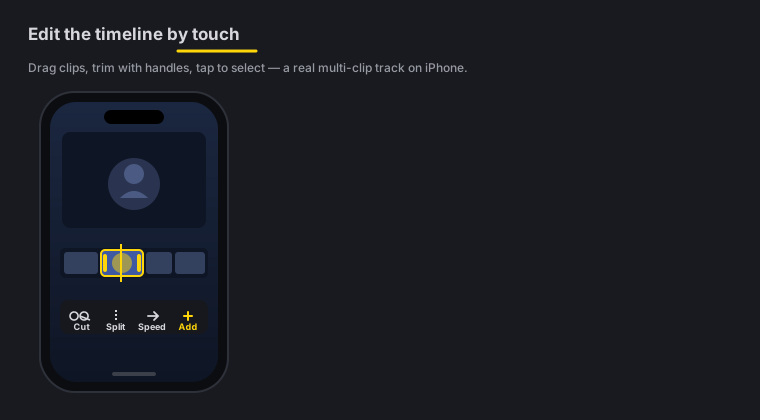
  • Multi-clip timeline — cut, trim, ripple-delete, drag to reorder, per-clip volume
  • Zoom blocks, retime and basic speed — free, like the rest of the editor
  • Pro: keyframes with a curve editor, feathered effect masks, speed ramps, Color Match and a live luma scope
  • 25 transitions and 25 cinematic color looks with an intensity slider, plus .cube LUT import
On-device AI on iPhone and iPad
03 · ON-DEVICE AI

On-device AI

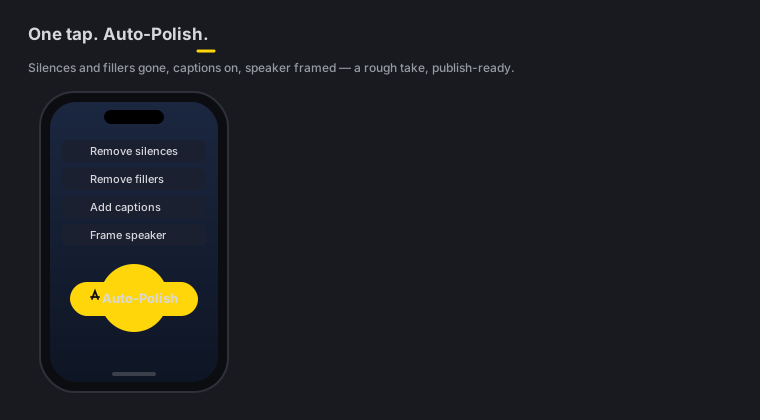
  • Auto-Polish — the one-tap retention edit: silence & filler cuts, a steady cut cadence with varied transitions and a matched sound effect under every cut, Beast keyword captions with emoji, noise removal + voice polish, a hook title with an opening punch-in, emphasis zooms, a color grade, mood-matched music with an arc, and pattern interrupts
  • Clean Up — remove silences and filler words in one pass, from the on-device transcript
  • Make Vertical — face-aware 9:16 reframe for TikTok, Reels and Shorts
  • Reel Pack — word-pop captions, a vertical reframe and a transition on every cut, in one tap
  • Transcript editing — delete a word and the video ripple-cuts with it
  • Polish Voice — automatic on-device noise removal, de-ess, compression and loudness normalization, with music Auto-Duck under your voice
  • Auto B-Roll — cutaway cards generated on-device from your caption keywords, no API key and no network; add a free Pexels or Pixabay key only if you want real stock footage
  • Beat Sync — cut and punch to the beat of your music bed
  • AI Assistant — edit by typing plain English, 51 editing actions; only your prompt leaves the phone, never your video
Sound & captions that sell on iPhone and iPad
04 · SOUND & CAPTIONS

Sound & captions that sell

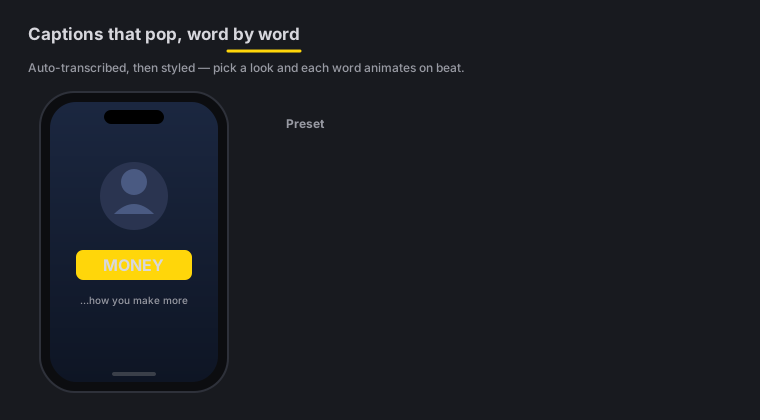
  • 9 viral caption presets with active-word highlight, SRT import and a transcript word editor
  • Caption translation into 19 languages, fully on-device via Apple Translation (iOS 18+)
  • 8 one-tap title templates with 12 kinetic entrances, plus Text Behind Subject
  • 19 callout types (including blur and pixelate-censor) and 16 overlay blend modes
  • Music beds with Auto-Duck, J/L audio cuts, 16 voice changers and per-clip volume
Ship it on iPhone and iPad
05 · SHIP

Ship it

  • Export MP4, MOV, GIF or M4A with TikTok / Reels / Shorts / YouTube / Instagram presets
  • Hand a project to the Mac app as a .zella file to finish on a bigger screen
  • Free exports run up to 2 minutes at up to 1080p, watermark-free — and 1080p is free forever
  • Pro lifts the length cap and adds 4K, transparent-background export (HEVC with alpha), 60 fps, custom bitrate, Clip Series and the multi-aspect queue — the same one-time purchase that unlocks the Mac

Buy Zella once. Own it everywhere.

Zella Pro is a Universal Purchase — one one-time unlock covers your Mac, your iPhone and your iPad. No subscription, no per-device fee, no cloud account. Free forever stays generous on every device; Pro adds 4K, transparent-background and 60 fps export, batch export and the depth toolset when you want them.

Start in your pocket. Hand it off to the Mac.

Record and rough-cut on iPhone or iPad, then hand the project to the Mac app as a .zella file to finish on a bigger screen — same timeline, same effects, nothing re-rendered in the cloud. Or export a platform-ready reel right from the phone and post it before you get home.

  • 01Record or import on iPhone / iPad
  • 02Auto-Polish, caption, reframe on-device
  • 03Export a reel — or hand off a .zella to the Mac

Coming to iPhone & iPad.

The app is built and native — the App Store listing is on its way. Grab the Mac app today, and the same Zella Pro will unlock your iPhone and iPad the moment they land.

Coming soon

iPhone & iPad · iOS 17+ · Universal (one purchase unlocks Mac too) · 100% on-device