DOWNLOAD
Get Zella free for macOS.
Record. One click. Post. All AI runs on your Mac. Nothing uploads. No subscription.
macOS 14 Sonoma or later · Apple Silicon + Intel · Local-only · No cloud
Quick answer
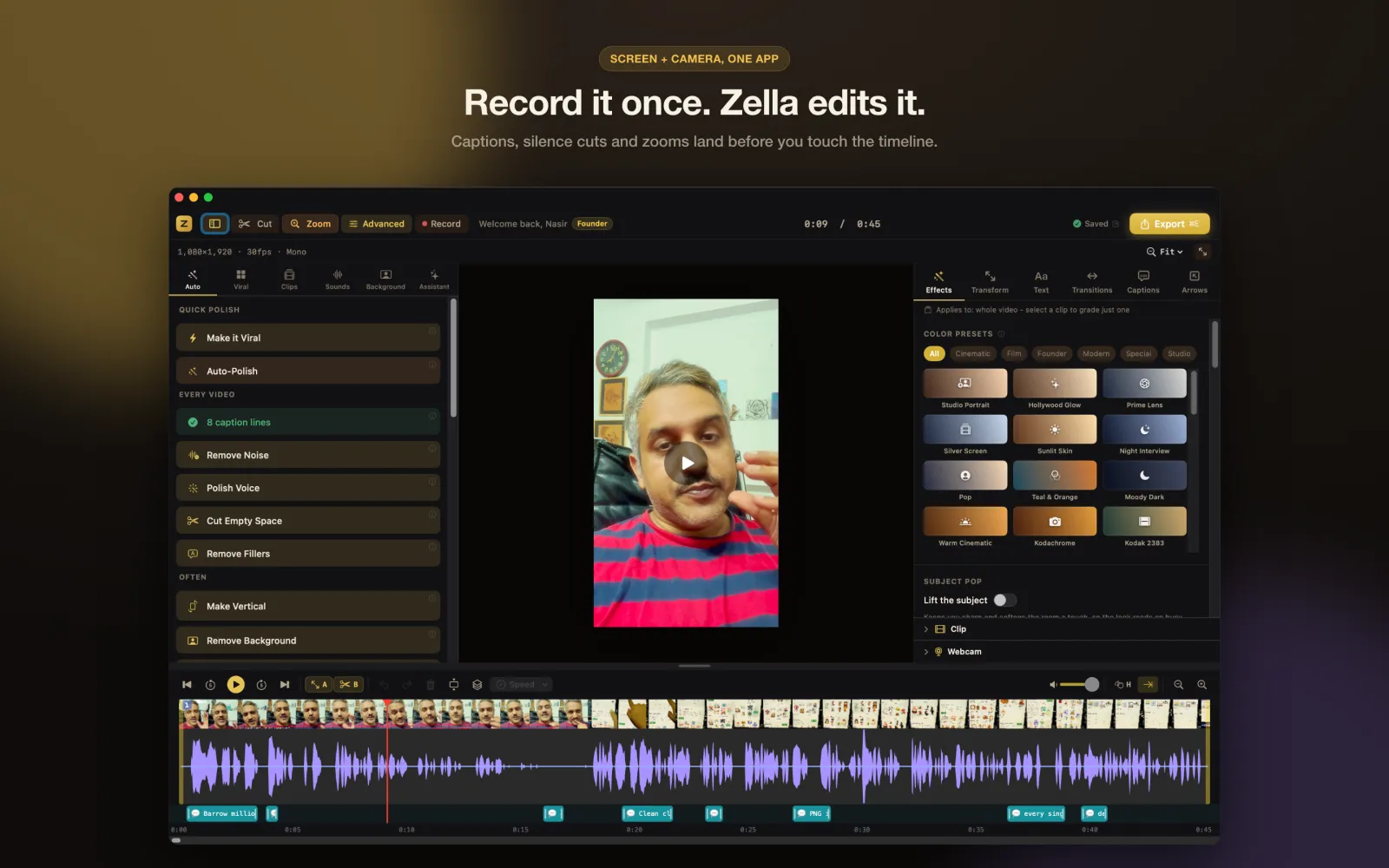
Zella for Mac is a screen recorder and AI video editor that runs entirely on your own Mac. The requirements are macOS 14 Sonoma or later on Apple Silicon or Intel, and about 200 MB of free disk space. Zella is free to use with no watermark, no account and no cloud upload, and free exports run up to 2 minutes at 1080p. The Mac app is on the Mac App Store; Zella for iPhone is on the App Store.
MAC REQUIREMENTS
- macOS 14 Sonoma or later
- Apple Silicon or Intel (universal binary)
- ~200 MB free disk space
- No account, no internet required to run
- iPhone: iOS 18 or later, on the App Store
THIS RELEASE
ZELLA FOR IPHONE
The whole studio, in your pocket - available on the App Store.
The mobile app is built: record on-device, then run the same AI editor as the Mac - Auto-Polish, on-device captions, background removal, the AI Assistant and Auto B-Roll - all on the Neural Engine. Export MP4 / MOV / GIF, or hand a project to the Mac app as a .zella file to finish on a bigger screen. No cloud, no account. One Zella Pro is a Universal Purchase that unlocks Mac and iPhone.
See everything Zella for iPhone does →
iPhone · iOS 18+ · 100% on-device · Universal Purchase
DOWNLOAD FAQ
Is Zella free?
Yes, permanently. Zella Free is the complete editor and every AI feature, with no watermark on any export and no account. Free exports run up to 2 minutes at 1080p. Pro and Founder are optional one-time purchases, never subscriptions.
What do I need to run Zella?
macOS 14 Sonoma or later on Apple Silicon or Intel, and about 200 MB of free disk space. Zella for iPhone needs iOS 18 or later. Everything runs on the device, so there is no account and nothing is uploaded.
Does buying Pro on one device cover the other?
Yes. Zella Pro is a one-time Universal Purchase, so paying once on iPhone also unlocks the Mac app, and the other way around. There is no second charge and nothing to restore manually.
Where do I actually pay?
Inside the app, never on this site. Pro and Founder are in-app purchases billed by Apple to the payment method already on your Apple ID, so Zella never sees or stores your card details.
TECHNICAL SPECS