The best online video editing course in 2026 is still a free one: YouTube channels like Peter McKinnon, Justin Odisho and Casey Faris, practiced inside a free editor such as DaVinci Resolve. For structure, Skillshare runs about $13.99 a month billed annually, Coursera about $399 a year, and Udemy sells single courses outright for $15 to $20 on sale. Learn cutting and pacing first, then captions, color, audio and platform exports.
Fast answer
You do not need to spend money to learn video editing in 2026. Start on YouTube with Peter McKinnon, Justin Odisho, and Casey Faris, and practice inside a free editor such as DaVinci Resolve.
When you want structure, pick exactly one paid path: Skillshare (cheapest unlimited subscription, project-based), Coursera (university and brand specializations with certificates), Udemy (buy a single course and keep it forever), or LinkedIn Learning (career-focused, certificate on your profile).
The biggest predictor of progress is not which course you buy. It is how many videos you finish.
Free resources first (start here)
Before you pay for anything, exhaust the free tier. It is genuinely excellent in 2026.
- YouTube is the best free classroom. Peter McKinnon (over 8 million subscribers) covers filmmaking and editing for beginners and pros alike. Justin Odisho publishes constant, high-impact effect and Premiere/After Effects tutorials. Casey Faris goes deep on DaVinci Resolve, Premiere, and Final Cut workflows. Kaptain Kristian's visual essays teach why edits work, not just which button to press.
- Free course previews. Coursera lets you preview the first module of many video-editing courses at no cost, and you can audit content. Udemy runs frequent deep discounts and has some free intro courses.
- Official software documentation. The Blackmagic (DaVinci Resolve) training materials are free and thorough. Software makers' own docs are underrated because they are always current and always accurate for that tool.
A practical free stack: watch one focused YouTube tutorial, then immediately rebuild it in your editor. Repetition in the software is what turns watching into skill.
What a beginner should learn first (in order)
Do not start with fancy transitions. Learn the fundamentals in this sequence, because each one builds on the last.
- Cutting. Trimming clips, removing dead space, and stringing shots together. This is 80 percent of editing.
- Pacing and rhythm. When to hold a shot and when to cut. Pacing is what separates a boring edit from one that keeps people watching.
- Captions and text. Most social video is watched on mute, so on-screen captions are not optional in 2026.
- Color. Basic correction (exposure and white balance) first, then a light grade for mood. Do not over-grade early.
- Audio. Clean, level audio matters more than picture. Learn to remove noise, balance levels, and duck music under voice.
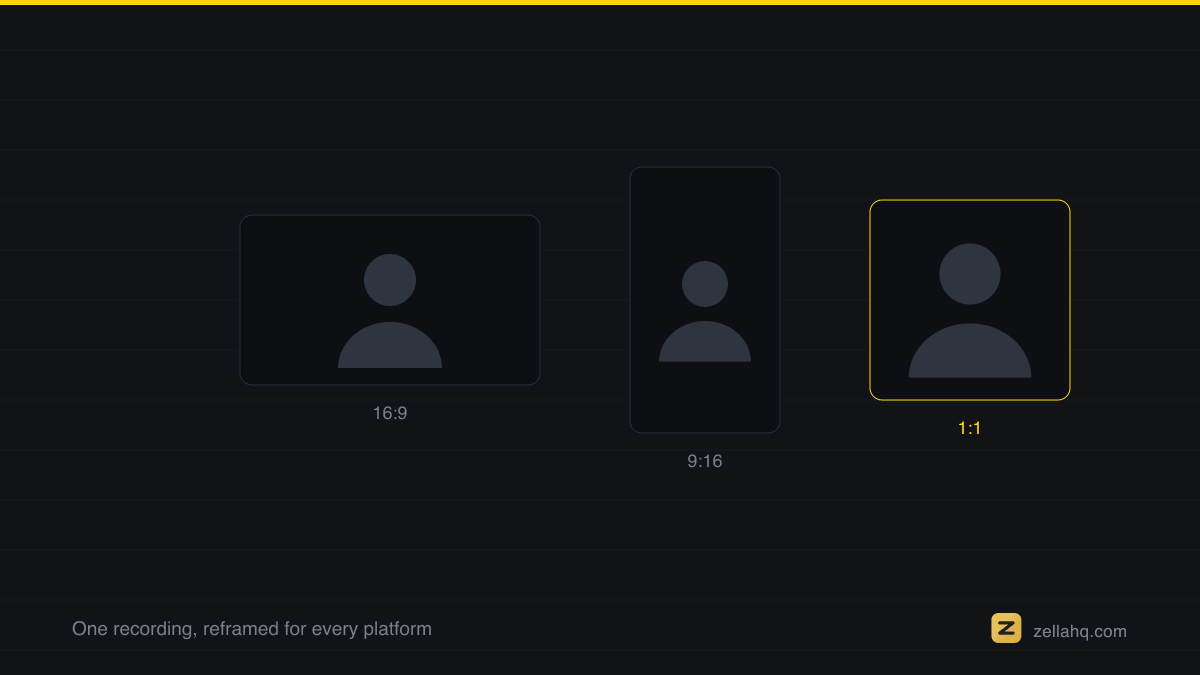
- Exporting for platforms. Correct aspect ratio (9:16 for Reels, Shorts, TikTok; 16:9 for YouTube), resolution, and bitrate. A great edit exported wrong looks amateur.
If you master those six, you can edit almost anything. Everything else (motion graphics, keyframing, advanced VFX) is a specialization you add later.
The paid platforms compared
Each platform has a different economic model, and that matters more than the exact course list.
- Skillshare is the cheapest way to binge courses: unlimited access for roughly USD 13.99 per month billed annually (about USD 167.88 per year). It is project-based and creative-focused. Jordy Vandeput's Premiere Pro courses are a well-regarded beginner path. Best if you learn by doing lots of small projects.
- Coursera offers structured specializations, including a CapCut for Beginners Specialization and The Art of Film and Video Editing. Coursera Plus is around USD 59 per month or USD 399 per year at regular price, with frequent promotions. Best if you want a recognized certificate and a guided multi-course path.
- Udemy sells individual courses you own forever, frequently discounted to around USD 15 to 20 during sales. The Adobe Premiere Pro masterclasses are popular and highly rated. Best if you dislike subscriptions and want to buy one course and keep it.
- LinkedIn Learning is career-oriented (around USD 29.99 per month billed annually, with a one-month free trial). Final Cut Pro and Premiere essentials are solid, and completion certificates post to your LinkedIn profile. Best if you are learning to get hired.
Resource comparison table
| Resource | Cost model | Best for | Certificate |
|---|---|---|---|
| YouTube | Free | Fast, specific how-tos and inspiration | No |
| Official docs (e.g. Resolve) | Free | Accurate, tool-specific reference | No |
| Skillshare | ~USD 13.99/mo (annual) | Binge-learning, project practice | No (creative) |
| Coursera | ~USD 59/mo or ~USD 399/yr | Structured specializations | Yes |
| Udemy | ~USD 15 to 20 per course (on sale) | Owning one course outright | Yes (completion) |
| LinkedIn Learning | ~USD 29.99/mo (annual) | Career and hiring signals | Yes (on profile) |
Practice matters more than the course
The tool you practice in should be free so nothing blocks your reps. DaVinci Resolve's free version is a full professional suite with no watermark. On a Mac, iMovie is free and pre-installed for quick starts.
If the videos you want to make are tutorials, gameplay, or software demos, Zella is a free Apple-only recorder and editor whose docs read as beginner tutorials, so you can learn the workflow in the same place you practice it. It is not a course, and it is not a substitute for one.
How to start (a 4-week routine)
- Week 1, fundamentals. Watch three beginner YouTube tutorials on cutting and pacing. Edit one 60-second video from your own clips. Finish it and export it.
- Week 2, captions and audio. Add captions to your video and clean the audio. Learn your editor's caption and audio tools specifically.
- Week 3, color and platforms. Do a basic color correction, then export the same edit in both 16:9 and 9:16. Notice what reframing does to your composition.
- Week 4, one structured course. Now pick one paid course (Skillshare or Udemy is the cheapest entry) and follow it start to finish, applying each lesson to a real project.
Publish what you make, even the rough ones. Feedback and reps beat passive watching every single time.
If you also need to choose editing software, pair this with our guide to the best free video editing software.
Frequently asked questions
Can I learn video editing for free in 2026? Yes. YouTube plus a free editor like DaVinci Resolve is enough to reach a professional level. Paid courses add structure and certificates, but they are optional.
What should I learn first as a total beginner? Cutting and pacing. Trimming clips and controlling rhythm is the core of editing. Add captions, color, audio, and correct platform exports after that.
Which paid platform is cheapest? Skillshare's annual plan (around USD 13.99 per month effective) is the cheapest unlimited option. Udemy is cheapest if you only want one course, since sale prices often drop to USD 15 to 20 and you own it forever.
Do I need a certificate to get hired? A certificate helps on LinkedIn or a resume, but a strong portfolio of finished videos matters far more. Employers hire based on what you can show, not what you completed.
How long does it take to get good? With consistent practice, most people can edit a clean, watchable video within a month. Genuine fluency comes from finishing dozens of real projects over several months.
Sources
Make your next video with Zella.
Record, edit and ship on Mac and iPhone - local, private, free to start.
RELATED