Video Templates That Actually Change the Edit (Not Just the Look)
Most "templates" are a filter and a font. A real one restructures the video: captions, cuts, zooms and pacing together. What each of the seven does.
Read →CATEGORY
The craft: cuts, trims, speed changes, b-roll, resizing and exporting - the everyday editing moves, and how to make them faster.
39 posts
Most "templates" are a filter and a font. A real one restructures the video: captions, cuts, zooms and pacing together. What each of the seven does.
Read →
Two videos, one vertical frame. How to size the panels so both stay readable, how to handle two audio tracks, and where reaction edits usually go wrong.
Read →
A photo that appears exactly when you name the thing. How the timing works, why tilted cards read better than full-frame images, and how many is too many.
Read →
Keyframes are just two values and a line between them. What the line does is where all the difference is, and it is the part most tutorials skip.
Read →
What actually happens to your edit when an app quits unexpectedly, where the recovery data lives, and the one habit that makes the question moot.
Read →
It saves your edits, not your video, and that distinction explains almost everything else about it - including why recovery is instant.
Read →
Undo runs out and autosave only holds the latest state. Version snapshots are the thing that gets you back to the cut that was working.
Read →
Two effects that are trivial to apply and easy to overuse. Where a freeze earns its place, and the audio problem reversing always creates.
Read →
B-roll is not decoration, it is a cut you do not have to justify. Where to put it, how long to hold it, and how to stop it looking like a stock footage reel.
Read →
The container is not the codec, which is why the same video can be both. What each format is for, and the two cases where the choice genuinely matters.
Read →
Split screen for reactions, before-and-afters and two-camera takes: how to build one, which orientation to use, and how to handle two audio tracks.
Read →
Put a second video over the first: sizing, placing, cropping and the audio setting most people miss. Includes the round webcam bubble treatment.
Read →
A speed ramp glides between two speeds instead of cutting between them. The five shapes, where each one belongs, and what happens to your audio.
Read →
Recording 9:16 natively beats cropping a widescreen take afterwards. Here is what you lose by cropping late and how to capture vertical on a Mac properly.
Read →
Eight handles, thin shapes that stay thin, and the controls most people never find. A practical guide to making annotation shapes fit what they point at.
Read →
Prompter apps give you a speed dial from 1 to 10 and no way to know what to pick. Here is the conversion from your own speaking rate.
Read →
Export at 1080x1920. The harder part is that TikTok publishes no specs at all, and its own buttons cover the edges where most people put their captions.
Read →
One upload can appear in feed, Reels and Stories, each cropping differently. The ratios Meta documents, and how to compose one file that survives all three.
Read →
Reels, feed and Stories dimensions in one place, plus why 4:5 takes more feed than square and where Instagram covers your captions with its buttons.
Read →
Should you upload 1080p, 1440p or 4K? What YouTube documents about resolution, ratio and encoding, and the one quirk that makes bigger look better.
Read →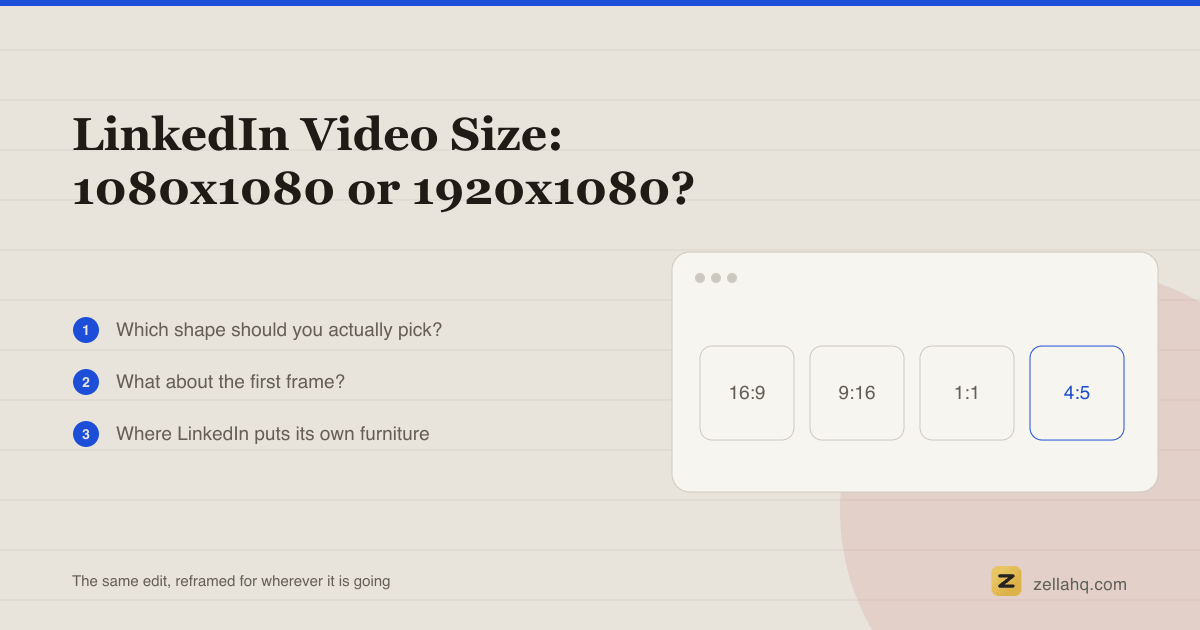
Square or landscape for LinkedIn? The dimensions LinkedIn documents itself, and why the answer changes depending on whether people watch at a desk.
Read →
A word-for-word script makes most people sound stiff. Use a 5 to 7 line bullet outline instead, memorise only the hook, and fix the rambling in the edit.
Read →
Stop chasing a clean take. Record one messy pass, then let silence removal and transcript editing delete the flubs before a single polish pass.
Read →
The cadence high-retention shorts settle into, why six seconds of an unchanged frame loses people, and where to place cuts so they disappear.
Read →
Automatic B-roll reads your captions and places the cutaways for you. How it works, and how Zella does it free on Mac and iPhone, with no upload.
Read →
Exact upload sizes, aspect ratios, and safe zones for TikTok, Reels, Shorts, YouTube, Instagram, X, LinkedIn, and Facebook in one bookmarkable table.
Read →
A five-step batching system: script the whole set first, set the gear up once, record straight through, then edit the batch as one assembly line.
Read →
How to pick the moments, structure hook-build-payoff, cut on the beat, and choose the right length and export for gaming, events, and portfolio reels.
Read →
Talking-head videos lose viewers to dead air, filler and one static frame. The seven fixes that hold attention, and which ones run automatically.
Read →
The five-beat structure, exact word counts for 15 to 60 seconds, a fill-in template, and how scripting differs for talking head versus voiceover.
Read →
What a jump cut is, why creators live on them, five ways to keep one from looking like a glitch, and when a J-cut or L-cut is the better call.
Read →
What B-roll is, why it lifts retention, where to get it free, how much you actually need, and how to cut it over your A-roll without losing the thread.
Read →
Where editing is actually taught: the free YouTube stack, what Skillshare, Coursera, Udemy and LinkedIn Learning cost, and the six skills to learn in order.
Read →
Runtime shrinks a file more than resolution does. The export settings that get a video small enough to email without making it look compressed.
Read →
The two audio-lead edits that make a cut feel invisible, what each is named for, and how to build them by offsetting audio on a Mac timeline.
Read →
Set a constant clip speed or ramp smoothly from slow to fast and back, keeping pitch correction on so a sped-up voice still sounds like a person.
Read →
Split with one key, ripple-delete so no gap is left behind, and drag clip edges to trim. The three moves that cover almost every edit, free.
Read →
The export settings for sharp 4K on macOS, when 4K is genuinely worth the file size, and why exporting 4K from a 1080p source adds no real detail.
Read →
One edit, every aspect ratio: the exact pixel sizes for 9:16, 4:5, 1:1 and 16:9, and how to reframe without letterboxing or re-cutting the video.
Read →Ask about Zella
Answers come from Zella's own documentation.
Hello. Ask me anything about Zella - pricing, what is free, recording, captions, exports or a problem you are hitting.
If I do not know, I will open a support ticket for you.