A jump cut is a cut between two shots of the same subject from a similar angle at two different moments, making the action skip ahead. Creators use jump cuts to cut filler and dead air, tighten pacing, and hold attention. Keep them clean by cutting on movement or a new sentence, and reach for a J-cut or L-cut when you want a smooth, invisible transition instead.
What is a jump cut?
A jump cut is a cut that breaks a single continuous shot of the same subject into two parts, with a piece of footage removed so the action appears to "jump" forward in time. In practice it is a cut between two shots of the same subject, from the same or a very similar angle, taken at two different moments (Wikipedia, Epidemic Sound).
Because the framing barely changes but time does, the subject seems to twitch or teleport slightly at the cut. That small visible jump is the defining trait. If you have ever watched a YouTube tutorial where the host's head snaps position every few seconds, you have seen dozens of jump cuts.
Why do creators use jump cuts?
The short answer: pacing and attention. Jump cuts let you delete the parts of a take that add nothing, so what remains is tighter and faster.
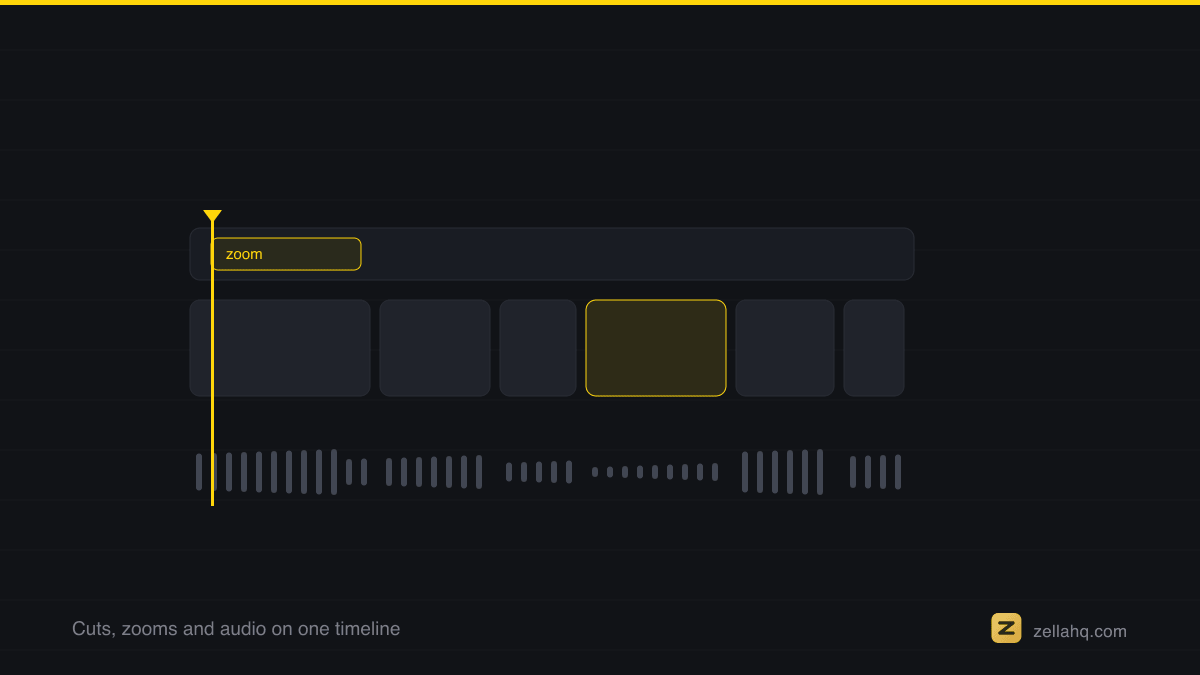
Specific reasons creators rely on them:
- Cut filler and dead air. Jump cuts remove pauses, "um" and "like," restarts, and rambling so delivery stays direct (Filmora).
- Improve retention. Filler and slow pacing are among the biggest reasons viewers leave. The first three seconds are decisive: third-party analyses put 50 to 60 percent of all drop-off in that window, so a tight open matters. You can confirm the shape on your own retention graph without trusting anyone else's number. Jump cuts help keep the pace up throughout.
- Compress time. They let you show the passage of time without a transition effect, skipping the boring middle of a task.
- Add energy and style. Used well, jump cuts give a video a modern, punchy, edgy feel and can help land a punchline at the right beat (Filmora).
This matters because retention is what the algorithm rewards. YouTube says its recommendation system learns from how long and how much of a video someone watches - not from the view count - so a tighter, higher-retention edit gets pushed harder.
How do you make a clean jump cut?
A jump cut is unavoidable when you cut two clips of the same static shot together. The goal is to make it feel intentional, not sloppy. Use these techniques:
- Cut on motion. If the subject moves their hand or head right at the cut, the movement masks the jump. The eye follows the motion instead of noticing the skip.
- Cut at the start of a new sentence or idea. Language has natural seams. Cutting between thoughts reads as a clean edit rather than a glitch.
- Trim the breath, not the word. Remove the silent gap and the filler before a sentence, leaving the words intact. This is where filler removal and silence removal do the heavy lifting.
- Vary the frame slightly. A small zoom punch-in on every other cut turns a jarring jump into a deliberate change of shot. Alternating between a wide and a slightly tighter crop hides the jump entirely.
- Keep audio continuous. If the words flow but only the picture jumps, viewers barely register the cut.
On a Mac, the tedious part of this (finding every pause and filler word) can be automated. Zella's Auto-Polish removes silences and filler words and auto-zooms on clicks, which produces clean jump-cut pacing without manual scrubbing. If you prefer to do it by hand, our guides on removing filler words and removing silence walk through it.
Jump cuts vs J-cuts and L-cuts: what is the difference?
These get confused constantly, but they do opposite jobs. A jump cut is meant to be felt; a J-cut or L-cut is meant to be invisible.
A J-cut is a split edit where the audio of the next scene starts before the picture cuts to it (also called an audio lead or audio advance). An L-cut is the reverse: the audio from the current scene keeps playing after the picture has already cut away. The names come from the shape the clips make on the timeline (TechSmith, Wikipedia).
The purpose is the key distinction. Jump cuts speed up time and can deliberately startle the viewer; J-cuts and L-cuts smooth the connection between shots so the audience stays inside the scene (Soundstripe).
| Cut type | Audio and video | Effect | Best for |
|---|---|---|---|
| Jump cut | Cut at the same point | Visible skip forward in time | Cutting filler, fast pacing, energy |
| J-cut | Audio leads the picture | Smooth lead-in to next shot | Interviews, dialogue, B-roll intros |
| L-cut | Audio lags the picture | Seamless overlap out of a shot | Reactions, narration over visuals |
For a deeper walkthrough with timeline examples, see our full guide on J-cuts and L-cuts.
When do jump cuts hurt more than they help?
Jump cuts are a tool, not a default. They backfire when:
- They break narrative continuity. In a story-driven or cinematic piece, a jump cut can read as an error and pull the viewer out. Use J-cuts, L-cuts, or B-roll to hide the seam instead.
- They come too fast for the content. A calm, explanatory piece chopped every second feels frantic. Match cut frequency to the energy of the message.
- They replace real structure. No amount of tight cutting saves a video that never delivers on its promise. Pacing supports good content; it cannot substitute for it.
- The jump is ugly and unmotivated. A cut with no motion, mid-word, on an identical frame just looks broken. Cover it with a zoom, a B-roll cutaway, or an angle change.
A practical rule: use jump cuts to remove what is boring, and use J-cuts, L-cuts, and B-roll to hide the cuts you cannot avoid.
Frequently asked questions
What is a jump cut in simple terms? It is a cut between two shots of the same subject at two different moments, filmed from a similar angle, so the action appears to jump forward in time. You create one whenever you delete a chunk from the middle of a continuous take.
Are jump cuts bad? No. They are a standard, widely used technique for pacing and cutting filler, and they are the backbone of most YouTube and social video. They only look bad when the jump is unmotivated or the pacing does not fit the content.
What is the difference between a jump cut and a J-cut? A jump cut is a visible skip forward in time within the same shot. A J-cut is a split edit where the next shot's audio starts before its picture, designed to be a smooth, nearly invisible transition. They serve opposite goals.
How do I make a jump cut look smooth? Cut on movement, cut at the start of a new sentence, keep the audio continuous, and add a small zoom or angle change so the jump reads as a deliberate shot change rather than a glitch.
Do jump cuts help with retention? Yes, indirectly. By removing filler and dead air they keep pacing tight, and pacing is what decides how much of the video people actually watch - which is one of the signals YouTube names.
What is the fastest way to make clean jump cuts on a Mac? Use an editor that detects pauses and filler automatically. Zella is a free, on-device recorder and editor for Mac and iPhone whose one-click Auto-Polish removes silences and filler words, producing clean jump-cut pacing without manual scrubbing.
Make your next video with Zella.
Record, edit and ship on Mac and iPhone - local, private, free to start.
PART OF A SERIES
Cutting and trimming
The blade, the ripple delete, and how often to cut.
- How to Cut and Trim a Video on Mac (Fast)
- What Are Jump Cuts, and How to Use Them Well (2026 Guide)you are here
- How Often Should You Cut in a Short-Form Video?
- Video Editing Jargon, Translated for Beginners
All of it lives under Pro Editor.
RELATED