In short-form video, aim for a visual change - a cut, zoom or reframe - roughly every 3 to 6 seconds. Past about six seconds of an unchanged frame attention drifts, while sustained cuts under two seconds read as noise. Zella's cut-cadence pass adds cuts at natural pauses across the whole take at about five-second intervals, giving every join its own transition.
New editors obsess over where to cut. Experienced editors obsess over how often. The interval between visual changes - your cut cadence - is one of the strongest levers on retention, and it is measurable: scrub any high-performing short and count the seconds between cuts. You will rarely count past six.
The working numbers: a change every 3-6 seconds
- Every 3-6 seconds: a visual change of some kind - a cut, a punch-in, a reframe, a sticker appearing. This is the cadence most talking-head shorts settle into.
- Past ~6 seconds of visual sameness, viewers start to drift. It is not that your content got worse - the frame stopped changing, and feeds have trained everyone to expect change.
- Under ~2 seconds sustained for the whole video reads as chaos. Rapid bursts are fine for montage moments; as a constant rate they exhaust people.
Note the phrasing: a visual change, not necessarily a cut. A zoom punch on an emphasized word resets the attention clock just like a cut does, without losing continuity.
Under the hood this is AVFoundation, Apple's media framework, which is what native editors on Mac, iPhone and iPad use to compose the timeline and write the result back out - so the cadence work is the same wherever you edit.
Where to put the cuts
Cut at natural pauses first. The gap between sentences is where a cut feels invisible, because speech rhythm and visual rhythm agree. A practical workflow:
- Remove silences - this alone creates cuts at most sentence boundaries.
- Scan for long stretches. Anywhere the timeline runs more than ~6 seconds without a join, add a cut at the nearest pause - or a punch-in if there is no clean pause.
- Vary the joins. Ten identical crossfades feel mechanical; mixing cut styles keeps the rhythm from becoming a metronome.
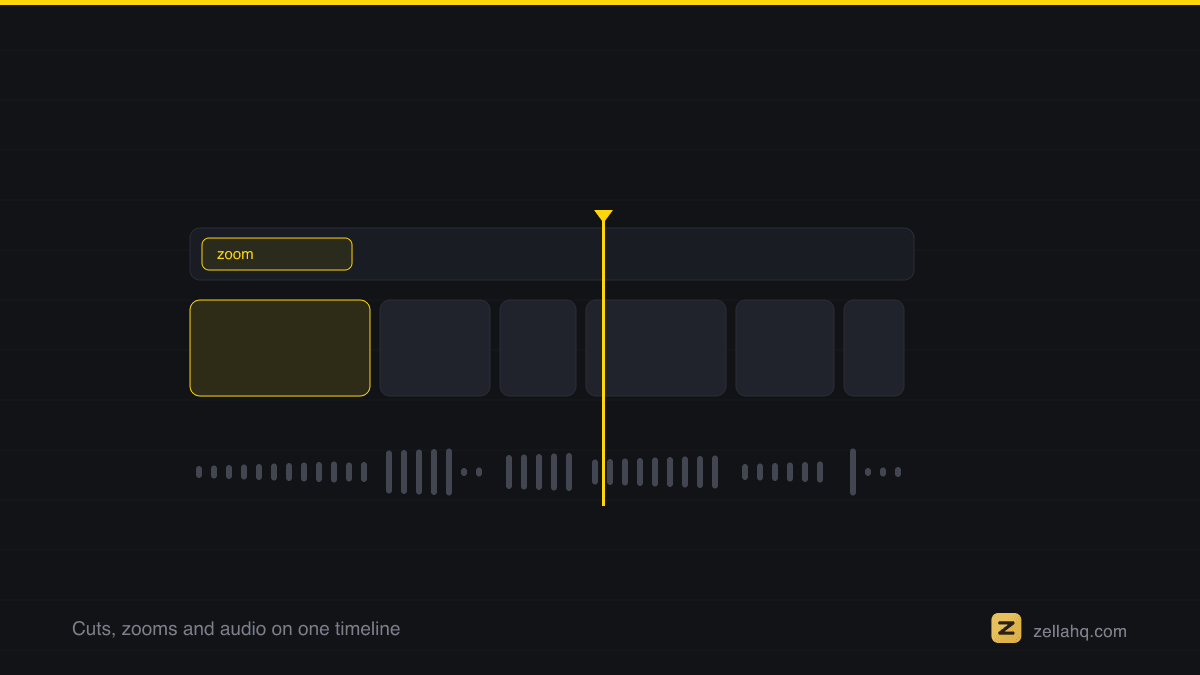
A timeline with visible audio waveforms makes step 2 fast - the pauses are literally visible as valleys. Zella draws waveforms on every clip (on Mac and on the phone), so you cut by ear and eye together.
The "chopped" trap and how to avoid it
The cadence rule fails when every cut is also a jump in framing and sound. Three guardrails:
- Never clip words. Cut in pauses, and pad the cut so the last syllable breathes. (Zella's silence removal is word-safe for exactly this reason.)
- Put sound on the cut. A small whoosh or impact under a transition makes it feel designed rather than accidental - see our guide to sound design at cuts.
- Alternate cut types. Hard cut, punch-in, hard cut, transition - variety hides the metronome.
Automating the cut cadence
Counting seconds by hand is mechanical work, so hand it to software. In Zella, the Auto-Polish pipeline adds cuts at your natural pauses after removing silences and fillers, then blends the widest-spaced joins with a cross-dissolve - about eight of them, however long the take. It adds no sound effects; Make it Viral is the pass that does.
A continuous single-take clip gets auto-cut at its pauses first. On the Mac that is one click per pass today; Zella for iPhone, where the whole pipeline is a single tap, is on the App Store.
Whether you automate it or count it by hand, the discipline is the same: nothing on screen stays the same for six seconds. Your content earns attention - the cadence keeps it.
Frequently asked questions
How often should you cut in a short-form video? Aim for a visual change - a cut, punch-in, reframe or on-screen element - roughly every 3 to 6 seconds. That is the interval most high-retention talking-head shorts settle into. The hard rule is the ceiling: never let more than about six seconds pass with the frame unchanged.
Can you cut too fast? Yes. Sustained cuts under ~2 seconds for the whole video read as noise and exhaust viewers. Rapid bursts (even sub-second) are great for a montage moment, but as a constant rate they hurt more than help. Vary clip lengths so fast runs and longer beats trade off.
Where should I place cuts so they feel natural? At natural pauses - the gaps between sentences, where speech rhythm and visual rhythm agree. Removing silences creates most of these cuts for you. Visible audio waveforms make the pauses easy to spot.
Does every visual change have to be a hard cut? No. A zoom punch, a reframe or a sticker appearing resets the attention clock just like a cut, without breaking continuity. Use those where a hard cut would feel jarring.
How do I stop fast cutting from feeling chopped? Cut only in pauses (never mid-word), put a small sound effect on the cuts that matter, and alternate cut types instead of using ten identical crossfades. The goal is rhythm, not a metronome.
Make your next video with Zella.
Record, edit and ship on Mac and iPhone - local, private, free to start.
PART OF A SERIES
Cutting and trimming
The blade, the ripple delete, and how often to cut.
- How to Cut and Trim a Video on Mac (Fast)
- What Are Jump Cuts, and How to Use Them Well (2026 Guide)
- How Often Should You Cut in a Short-Form Video?you are here
- Video Editing Jargon, Translated for Beginners
All of it lives under Pro Editor.
RELATED