Yes, AI can edit your video for you in 2026. In Zella, Auto-Polish runs the moment a recording opens and delivers emphasis zooms, silence and filler cuts and a cleaned-up voice with zero clicks, captions are one click more, and it deliberately leaves your color alone. A free AI Assistant then takes typed instructions like "remove the pause at 0:12". What AI still can't supply is taste, story or a hook.
Yes. In 2026, AI can do the repetitive 80 percent of video editing for you: cutting dead air and filler words, generating captions, adding zoom-ins, removing your background, and applying a color look when you ask for one. What it still cannot do is supply taste, story, or a hook. So the realistic model is that AI handles the tedious work and you keep the judgment.
In Zella this is not even a button you have to remember. Auto-Polish runs automatically the moment you stop recording, and a free AI Assistant lets you make further changes by typing.
The reason this matters is that the tedious 80 percent is exactly what most people quit over. Recording is fast. Editing is where videos die in the drafts folder. If the clean, captioned, well-paced first version appears on its own, you are far more likely to actually post.
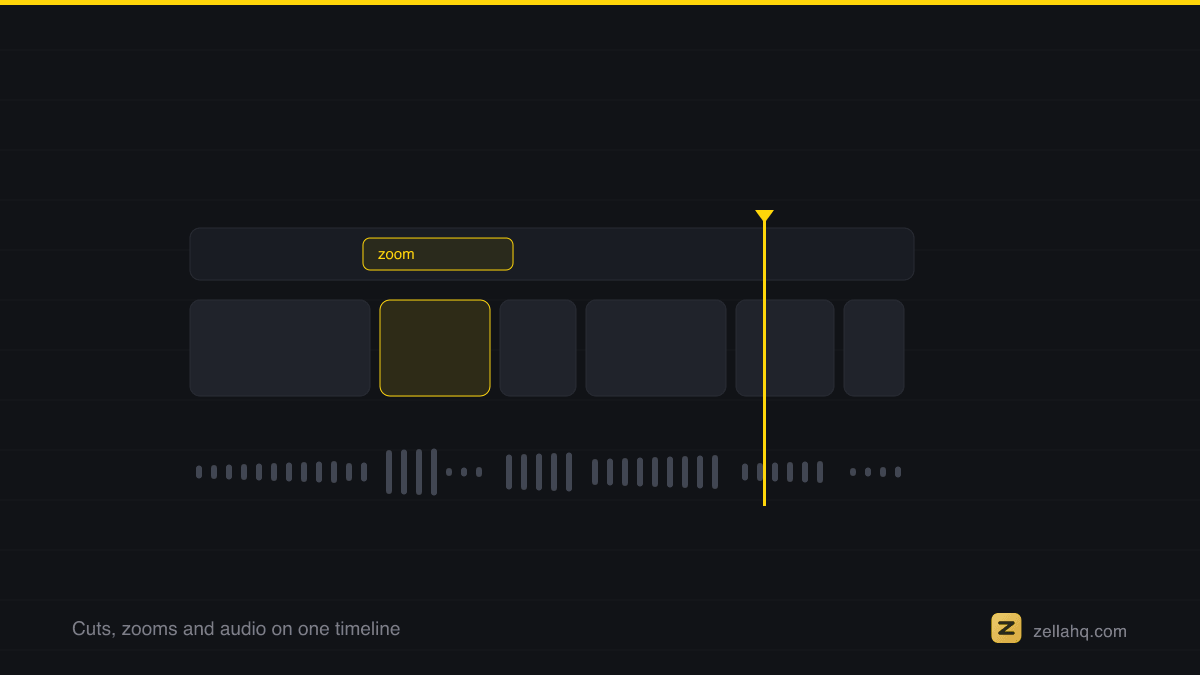
What AI can edit for you today
Modern on-device AI reliably handles the mechanical edits, the ones that follow rules and take the most clock time by hand:
| Editing job | Can AI do it? | What it means for you |
|---|---|---|
| Captions and subtitles | Yes | Auto-transcribed, word-by-word, in 9 styles. Since ~85% of social video is watched muted, this alone can lift watch time up to ~40%. |
| Cutting silence and filler | Yes | Dead air and "umm" gaps removed, tightening pace toward the 2.5 to 4 second cut cadence viral clips use. |
| Zoom-ins and emphasis | Yes | Automatic punch-ins on key moments so static footage keeps moving. |
| Cleaning voice audio | Yes | Background noise and hiss reduced so a phone-mic recording sounds intentional. |
| Color grading | Yes, but only when you ask | A full catalogue of colour looks with an intensity slider. Auto-Polish never applies one on its own. |
| Background removal | Yes | AI matte with no green screen. |
| Writing your hook / story | No | This is yours. AI can not decide what is interesting. |
| Deciding what to cut for meaning | Partly | It cuts silence, not weak ideas. You still trim for substance. |
The line is consistent. Anything rule-based, AI now does well. Anything that needs a point of view, it does not.
The standard worth writing to is the one Google publishes: helpful, reliable, people-first content, which is explicit that how something was produced matters less than whether it was worth making.
How Auto-Polish runs on its own
Most AI editors make you upload a file, wait in a queue, and then apply effects. Zella flips the order. The instant you finish a recording, Auto-Polish auto-runs and hands you a first cut that already has:
- Captions, transcribed and styled.
- Zoom-ins on emphasis moments.
- Silence and filler cuts, so the clip never stalls.
- Clean voice, with noise and hiss reduced.
- Your color untouched. Auto-Polish deliberately never grades for you. The colour looks stay a manual, one-tap choice.
Because it happens on-device, there is no upload, no account, and no subscription. Your footage never leaves your device. That is a real privacy difference from cloud editors: for client demos, internal recordings, or anything under NDA, nothing is sent anywhere. For the mechanics of the clean-up step specifically, see our guide on using AI to edit videos faster.
The free AI Assistant: edit by typing
Auto-Polish gives you the first cut. When you want one specific change, you type it instead of hunting through menus. Zella's AI Assistant is free and runs on your own API key, driving 104 editing actions on the Mac and 74 on iPhone. Instructions look like this:
- "Remove the pause at 0:12."
- "Add captions to the second half."
- "Zoom in when I say the price."
- "Reframe this to 9:16."
Only your typed prompt and a short summary of the project - including caption text - ever leave the device. Your video never does. It is the same edit-by-typing idea popularized by tools like Descript, without a metered subscription, walked through in editing video by typing on Mac.
A second free AI helper worth knowing: Auto B-Roll. Add a free Pexels key on the Mac and Zella drops relevant stock footage over your talking points automatically. On iPhone it generates cutaway cards on the device with no key and no network at all, so a faceless video can be made in airplane mode. Neither is a Pro feature.
What AI still can't do (and why that's fine)
AI editing has a ceiling, and it is worth being honest about it:
- It cannot write your hook. Roughly 50 to 60 percent of viewers leave in the first three seconds, and a hook landing in about two seconds is tied to ~19 percent higher retention. The words of that hook are a creative decision AI can assist with, not replace.
- It cannot judge what is interesting. It removes silence, not boring content.
- It cannot give you taste. Pacing for feel, not just for gaps, is still yours.
That ceiling is exactly why the "AI does 80 percent" framing works. You spend your time on the 20 percent that differentiates the video and let the machine handle captions and cuts.
Frequently asked questions
Can AI edit my video for free? Yes. Zella's free tier includes all the AI: Auto-Polish, Make it Viral, captions, background removal, the AI Assistant (with your own key), and Auto B-Roll. It is watermark-free, exports at 1080p, and allows exports up to 2 minutes. The one-time $89 Pro adds unlimited export length and 4K, plus 8K on Mac.
Do I need to upload my video to the cloud? No. Zella's AI runs on-device, so nothing uploads. That is the main reason to use it for sensitive or client work.
Is the AI Assistant a paid feature? No. It is free and you bring your own API key. So is Auto B-Roll. Neither is gated behind Pro.
Does AI grade the color of my video automatically? No, and that is deliberate. Auto-Polish leaves your color exactly as recorded. Applying one of the looks is a manual tap with its own intensity slider, because a grade you did not choose is the fastest way to make footage look wrong.
Will AI-edited video look automated or generic? Only if you stop at the first cut. Auto-Polish and Make it Viral leave every edit editable, so you rewrite the first caption, swap among the colour looks or 9 caption presets, and nudge zooms. The AI does the volume. You add the taste.
What can't AI edit for me? Your hook, your story, and the decision about what is worth keeping. AI removes silence, not boring content.
Try it in Zella
- Get Zella - free, on-device, no account. The Mac app is on the Mac App Store; Zella for iPhone is available on the App Store.
- Record a clip. Auto-Polish runs automatically when you stop.
- Open the AI Assistant and type a change in plain language.
- Optionally connect a free Pexels key for Auto B-Roll.
- Export at 1080p (up to 2 minutes free) and post.
AI genuinely can edit your video for you in 2026. It just cannot decide what to say. Start with the free on-device AI cleanup and see how far the first automatic cut gets you.
Make your next video with Zella.
Record, edit and ship on Mac and iPhone - local, private, free to start.
PART OF A SERIES
Editing by typing
The assistant, the key you bring, and the edits you can ask for in one sentence.
- How to Edit a Video by Typing on Mac (AI Assistant)
- Can AI Edit My Video for Me? (Yes, Here's How in 2026)you are here
- Edit Video With AI Using Your Own API Key (Private)
All of it lives under AI Assistant.
RELATED