You can become a content creator with no experience, no budget and no following. Pick one narrow niche you genuinely care about, shoot on the phone and free apps you already own, and publish your first 10 videos over two to three weeks. For the first six months, reps beat gear and talent: the job of video one is to make video two easier.
You do not need experience, expensive gear, or an existing audience to become a content creator in 2026. You need one narrow niche you actually care about, the phone and free apps you already own, and a commitment to post your first 10 videos over the next two to three weeks. That is the whole starting line - everything else is reps.
The mistake almost every beginner makes is treating the first month as a launch. It is not a launch. It is practice you happen to do in public, and your first videos will be rougher than you want.
Step 1: Pick a niche you will not get bored of
Pick one topic narrow enough to be memorable and broad enough that you will never run out of ideas. "Fitness" is too broad; "kettlebell workouts for busy dads" is a niche. The test is simple: could you make 50 videos about it without forcing it? If yes, it is a real niche.
Three prompts to find yours:
- What do people already ask you for help with? That is a niche with built-in demand.
- What could you talk about for an hour with no prep? That is a niche you will not quit.
- What do you want to be known for in a year? Pick for the version of you that keeps going.
You are allowed to be wrong. Most creators refine their niche after 20 to 30 videos, once the data tells them which topics land.
Audience questions are easier to answer against real population data: Pew Research keeps a running social media fact sheet on who actually uses which platform.
Step 2: Use the gear you already own
Do not buy anything yet. A phone from the last few years shoots better video than most cameras did a decade ago. Your starter kit:
- Camera: your phone. Clean the lens with your shirt, then set 1080p at 30 fps (on iPhone: Settings > Camera > Record Video). 4K only fills your storage for a feed that serves 1080p anyway.
- Light: a window. Face it, do not stand with your back to it. Free, and better than most ring lights.
- Audio: your phone mic within about arm's length, or wired earbuds with an inline mic. Bad audio loses more viewers than bad video, every time.
- Editing: a free editor. You do not need a subscription to make your first hundred videos.
Gear does not make you a creator; publishing does. Upgrade only when a specific limitation is actively holding a video back - not before.
Step 3: Plan your first 10 videos
Batching your first 10 ideas removes the daily "what do I post" friction that kills most beginners. Use these 10 formats as a starter list:
- Introduction / why you care about this topic (keep it short).
- A beginner mistake people in your niche make.
- A quick how-to - one tip, done well.
- A myth you want to bust in your niche.
- Answer a common question you already get asked.
- Before / after or a small result.
- A tool, app, or product you actually use.
- Your opinion on something in your niche (a little spice helps).
- A day-in-the-life or behind-the-scenes relevant to the topic.
- A list - "3 things I wish I knew when I started."
Write a one-line hook for each before you film. The first three seconds decide everything, so lead with the payoff, not a slow intro. If scripting feels hard, follow how to write a short video script.
Step 4: Build a posting rhythm you can actually keep
Consistency beats intensity. Three good videos a week for six months will grow you far more than 20 videos in one motivated week followed by silence. Pick a cadence you can sustain on your worst week, not your best one.
- Batch-film two or three videos in one sitting so a busy day never breaks the streak.
- Post at a fixed time so it becomes a habit, not a decision.
- Keep a running idea list in your notes app so you are never staring at a blank screen.
The full system for staying consistent without burning out is in how to post consistently as a creator.
Step 5: Read the data, not your feelings
After 10 to 20 videos you will have real signal. Ignore vanity metrics and watch two numbers:
- Retention / average watch time - did people finish? This is what the algorithm rewards most.
- Which topics over-performed - do more of those, quietly drop the rest.
Do not judge yourself on a single video. Look at trends across 10. Early growth is lumpy; one video can 10x the rest and that is normal. Your job is to keep showing up long enough to catch it, and to get your first followers - see how to get your first 1,000 followers.
Frequently asked questions
Do I need experience or a degree to become a content creator? No. There is no credential. The only requirement is being useful or entertaining to a specific audience and publishing consistently. Most successful creators learned entirely by posting and reviewing what worked.
How much money do I need to start? Effectively zero. A phone you already own, a window for light, and free editing software is a complete starter kit. Spend money only once a specific limitation is provably holding your videos back.
How long until I make money or grow? Realistically, expect a few months of quiet before meaningful traction, and longer before income. Growth is not linear - many creators post for weeks with little response, then one video changes everything. Plan for a six-month runway of consistency.
How many videos should I post before judging my results? At least 20 to 30. Fewer than that is too little data to know your niche, your format, or what your audience responds to. Treat the first month as paid practice, not a verdict.
Should I show my face? It helps trust and speed, but it is not required. Faceless formats - tutorials, screen recordings, voiceovers, and text-on-screen - work well in many niches. Pick whatever you will actually keep doing.
Make the videos faster in Zella
The biggest threat to a new creator is friction - every extra editing hour makes quitting easier. Zella removes most of it, on-device, with no account and no subscription:
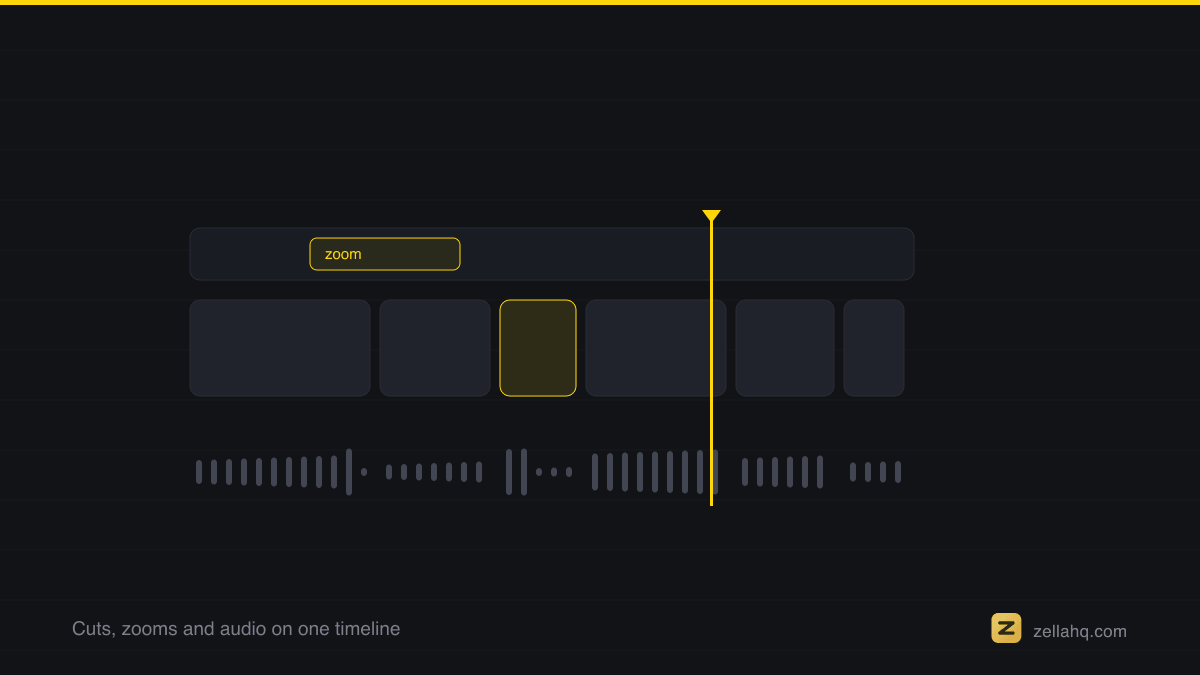
- Record a talking-head or screen clip. On a fresh recording, Auto-Polish runs automatically: emphasis zooms, silence and filler-word cuts, and voice cleanup, before you lift a finger. Captions are one more click.
- When you want a full pass on an older clip, tap Make it Viral for a one-tap, ready-to-post result.
- Trim, restyle the captions from the 9 presets, and pick from all 25 transitions and 92 color looks. Every one of those is in the free tier.
- Export watermark-free at 1080p up to 2 minutes, which covers almost every beginner short. Longer exports and 4K live in the one-time $89 Pro, never a subscription.
That is a complete beginner workflow at $0. Get Zella and get your first 10 videos out the door; the iPhone app is available on the App Store.
Make your next video with Zella.
Record, edit and ship on Mac and iPhone - local, private, free to start.
RELATED