Yes - captions get more views, because roughly 85% of social video is watched muted and burned-in captions can lift average watch time by up to about 40%. Watch time is the exact signal TikTok, Instagram Reels and YouTube Shorts use to decide who else sees a video. Captions will not rescue a weak idea, but they remove the most common reason a good one gets skipped.
Yes, and it isn't a small effect. The reason is boring but decisive: most people scroll with the sound off. Around 85% of social video is watched muted, and adding on-screen text can lift average watch time by up to roughly 40%. That watch-time number matters because it is the exact signal TikTok, Reels, and Shorts use to decide who else sees your video. Captions won't turn a weak idea into a hit, but they remove the most common reason a good video gets skipped in the first second.
Why captions move the numbers
Picture a viewer thumbing through a feed on the bus, in an open-plan office, or next to a sleeping baby. Sound is off by default. When your video loads, they have about one second to decide whether it's worth stopping for.
If the frame is just a face moving with no words, there's nothing to grab, so they keep scrolling. Studies of short-form video repeatedly find a 50 to 60% drop-off within the first three seconds on openings that give viewers nothing to read or react to.
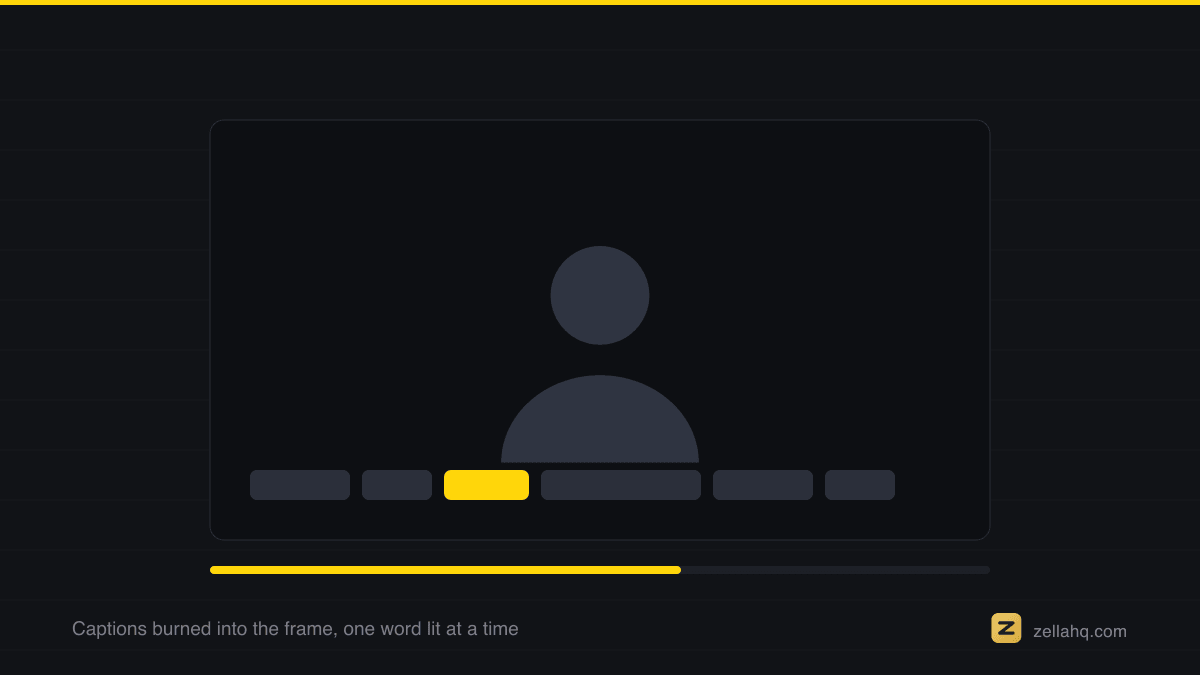
Captions fix that. A muted viewer understands the video instantly, follows along without audio, and stays long enough for the algorithm to register a positive signal. The mechanism is a four-link chain:
- Captions raise comprehension for the ~85% of viewers who never turn sound on.
- Comprehension raises average watch time and completion rate.
- Watch time and completion are what the recommendation system rewards with reach.
- More reach is what you experience as "more views."
Break any link and the rest stops. That is why captions are a distribution decision, not a styling one.
Captioning like this leans on Apple's Speech framework, which supports recognition performed locally - the reason the audio never needs to be sent anywhere to be read.
Before captions earn you watch time they are an accessibility obligation, and the W3C sets out the bar in captions for prerecorded media.
What the data says, in five numbers
- ~85% watch muted. The widely cited figure from social-video research is that around 85% of feed video plays without sound. Design for silence first; treat audio as a bonus.
- Up to ~40% more watch time. Videos with captions or on-screen text hold viewers meaningfully longer - studies land in the 12% to 40% range depending on format, with talking-head and tutorial content at the high end.
- 50-60% drop in the first 3 seconds. Weak, wordless openings shed half or more of viewers almost immediately. Captions give the hook something to land on before the audio even registers.
- ~80% of consumers are more likely to watch a whole video when captions are available, and many report they'll leave a silent, caption-less video within seconds.
- Reach and accessibility compound. Captions make videos usable by the ~5% of adults with disabling hearing loss and by non-native speakers, and the on-screen text is machine-readable - so platforms and search can index what your video is about.
None of these guarantee a viral video. What they do is stop you from leaking the audience a good video would otherwise have kept.
Captions vs subtitles vs on-screen text - which do you need?
People use these terms loosely. For getting views, the distinctions matter:
| Type | What it is | Best for | View impact |
|---|---|---|---|
| Subtitles | Full-sentence text, usually one or two lines at the bottom | Long-form, accessibility, translation | Solid, but static blocks are easy to tune out |
| Captions (word-by-word) | Animated text that highlights each word as it's spoken | Short-form, TikTok/Reels/Shorts | Highest - the motion itself is a retention device |
| On-screen text / callouts | Hand-placed labels, hook lines, key numbers | Hooks, emphasis, faceless video | High for the first 1-2 seconds specifically |
For short-form, word-by-word animated captions are the workhorse. The word that pops as it's spoken keeps the eye moving, which is its own micro-retention loop. We break the technique down in word-by-word captions that retain.
How to add captions the right way
Captions help - until they're done badly. Follow these:
- Put the hook line on screen in the first frame. Don't wait for the caption engine to catch up to your speech. The first thing a muted viewer sees should be a bold text promise.
- Use word-by-word or short 2-4 word chunks, not dense paragraphs. Big blocks of text get skipped like any wall of text.
- Keep them in the safe zone, roughly the central 80% of the frame and above the bottom third, so usernames, captions, and the side button rail don't cover your words on any of the three platforms.
- High contrast, readable font. Bold sans-serif with a stroke or a subtle box behind it. Test it the honest way: play the clip at phone size, at arm's length, with the sound off. If you squint, it's too small.
- Don't over-style. One accent color and one highlight style is plenty. Rainbow every-word coloring reads as spam.
- Fix the accuracy. Auto-captions are ~90-95% accurate; the 5-10% of wrong words (names, jargon, numbers) are exactly the ones viewers notice. Spend 30 seconds correcting them.
If you're captioning a screen recording or tutorial, our step-by-step guide to adding subtitles to a video walks through the whole flow.
Frequently asked questions
Do captions really increase views, or is that a myth? It's real, and it's one of the best-supported findings in short-form video. The effect runs through watch time: captions keep muted viewers watching, and watch time is the primary ranking signal on every major platform. The typical reported lift is up to ~40% more watch time, with ~85% of viewers watching muted to begin with.
Are auto-generated captions accurate enough? Modern on-device and cloud transcription lands around 90-95% accuracy for clear speech. That's good enough to publish after a quick correction pass. Always fix proper nouns, brand names, and numbers by hand - those errors are the ones viewers screenshot.
Where should captions go on the screen? Vertically centered or in the middle-lower third, but above the platform's UI overlay so buttons and captions don't collide. Keep text within the safe zone - roughly the central 80% of the frame - so nothing gets cropped across TikTok, Reels, and Shorts.
Do captions help with SEO and discovery? Indirectly but meaningfully. Captions raise watch time (the ranking signal) and the on-screen text is machine-readable, so platforms understand your topic better. On YouTube specifically, an accurate transcript also feeds search. Captions are one of the cheapest reach upgrades you can make.
Word-by-word or full-sentence captions - which gets more views? For short-form, word-by-word (or short animated chunks) wins because the motion is itself a retention device. For long-form and accessibility, full-sentence subtitles read more comfortably. Many creators use word-by-word on Reels/TikTok/Shorts and standard subtitles on YouTube long-form.
How Zella helps
Zella adds captions the way the data says you should - automatically, on your device, with nothing uploaded. Here's the flow:
- Record or drop in your clip. Recording is unlimited on the free plan, watermark-free.
- Auto-Polish runs on a fresh recording - it adds emphasis zooms, cuts silences and filler, and cleans your voice, so a tight first draft exists before you click anything. One more click burns in captions. It deliberately leaves your color alone.
- Pick one of the 9 caption presets on the captions & callouts panel, word-by-word highlight included, then tweak font, size, and position.
- Correct any names or numbers, drop a bold hook line on the first frame, and export.
Transcription, captions, and AI background removal are all in the free tier (1080p, export up to 2 minutes, no watermark), and everything runs on-device with no account and no subscription - which matters for client or confidential footage. If you need exports longer than 2 minutes or 4K, Pro is a one-time $89, not a subscription (see pricing). The Mac app is on the Mac App Store today; Zella for iPhone is out now on the App Store.
Make your next video with Zella.
Record, edit and ship on Mac and iPhone - local, private, free to start.
PART OF A SERIES
Caption styles and placement
Which preset to use, where to put it, and whether any of it earns views.
- Best Caption Styles for Short-Form Video (Reels, TikTok)
- How to Add Word-by-Word Captions to Reels and TikTok
- How to Change the Caption Font on iPhone Video
- How to Move Captions So They Do Not Cover Your Face
- Do Captions Actually Get More Views? (What the Data Says)you are here
All of it lives under Captions & Callouts.
RELATED