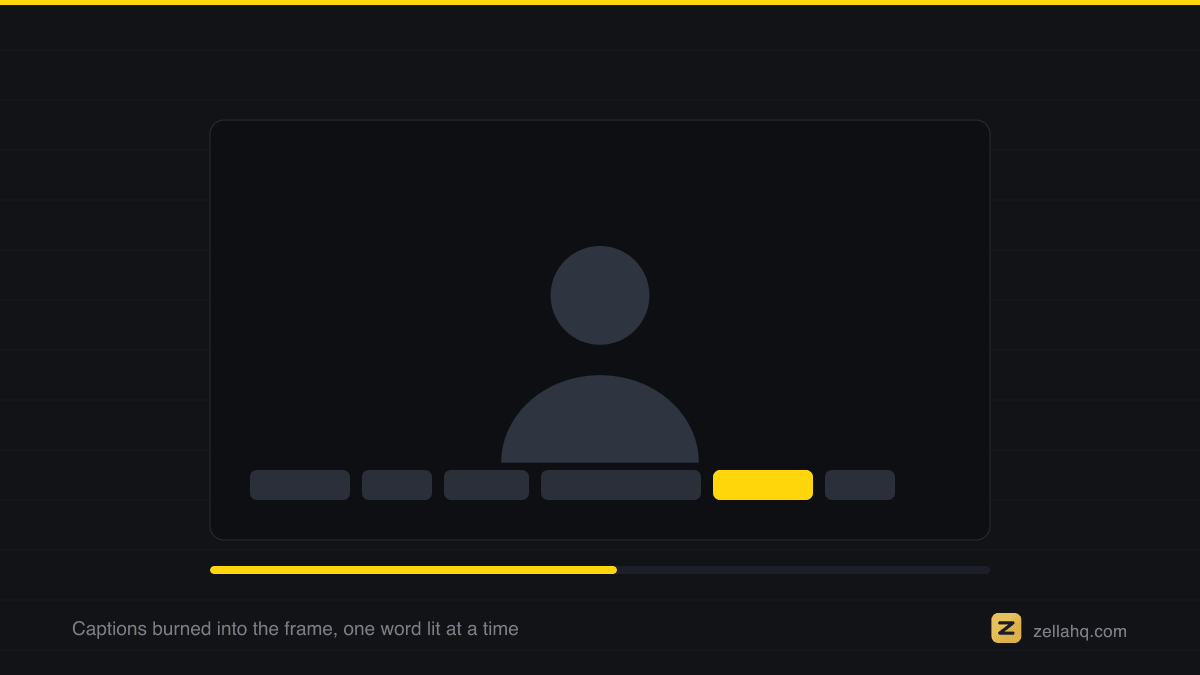
Word-by-word captions pop each word on screen as it is spoken, which outperforms static block subtitles because the motion is synced to speech and the reading pace is forced to match the talking pace. Emphasize the one or two words that matter per line and use at most one emoji. Zella transcribes on-device and applies a word-pop preset with automatic keyword emphasis in one tap.
A majority of short-form video gets watched with the sound off or half-on - on a train, in a queue, next to a sleeping partner. Captions stopped being an accessibility extra years ago; they are the second channel of the video. But how the text appears matters as much as whether it does, and the data from every platform's top performers points the same way: word-by-word beats block subtitles.
Why word-pop retains and blocks don't
A static two-line subtitle gets read in about a second - faster than it's spoken - and then it's inert screen furniture until the next block. The viewer's eye finishes early and starts wandering, and a wandering eye is a swiping thumb.
Word-by-word captions fix this in three ways at once:
- Motion. A word popping every few hundred milliseconds is a continuous stream of micro pattern interrupts - the frame is never static.
- Pace-locking. The viewer cannot read ahead; their reading speed is forced to match your speaking speed, keeping attention synchronized with the audio.
- Active-word focus. Highlighting the word being spoken right now fuses the audio and visual channels - muted viewers effectively hear the rhythm of your speech.
Captions are an accessibility requirement before they are a retention tactic: the W3C's guidance on captions for prerecorded media is the bar most teams are actually measured against.
Captioning like this leans on Apple's Speech framework, which supports recognition performed locally - the reason the audio never needs to be sent anywhere to be read.
Emphasis: the 80/20 of caption style
Uniform text is monotone, visually. The upgrade is keyword emphasis: the one or two words per line that carry the meaning get a different color, a scale bump, or both. "This mistake costs you THOUSANDS" reads differently than the same sentence in uniform type - the emphasized word is the line's thumbnail.
Rules that keep it clean:
- 1-2 emphasized words per line, max. Emphasize everything and you've emphasized nothing.
- Emphasize nouns and numbers, not connectives. "THOUSANDS", "never", "3 seconds" - not "and" or "very".
- One emoji per line, at most - and only when it maps to the meaning (💰 on money, ⚠️ on warnings). Emoji confetti reads as spam.
- Big, high-contrast, bottom-center-ish - clear of platform UI, thick stroke or shadow so it survives any background.
Doing word-by-word captions without the busywork
Hand-animating word timing is absurd - this is transcription work, and it should be automatic. Zella transcribes on-device (nothing uploads, works offline) and generates word-level timings, then styles them with viral caption presets - 10 on the Mac, 9 on iPhone, all with active-word highlight. The keyword emphasis and the one-emoji-per-line are applied automatically from the transcript, and a transcript word editor lets you fix names and jargon in seconds.
The one-tap route: Make it Viral captions your video in the Beast preset by default - one big word at a time, keyword-emphasized, with emoji - because that big-type style is the strongest performer for talking-head reels. Prefer subtler? Run captions manually and pick a smaller word-pop preset; the emphasis logic is the same.
The caption check before you post
Watch your video once muted. If you can follow the argument, feel the emphasis land on the right words, and your eye never leaves the frame - the captions are doing their job. That muted watch-through is the single highest-signal QA pass in short-form.
Frequently asked questions
How do I add word-by-word captions to a Reel or TikTok? Transcribe the audio to get word-level timings, then apply a caption style that reveals one word (or a few) at a time synced to speech, with the active word highlighted. TikTok's built-in captions can't do true word-by-word; dedicated tools can. In Zella, on-device transcription plus a word-pop preset does it automatically, and one tap of Make it Viral adds them in a big-type keyword style (Auto-Polish leaves captions off until you ask).
Are word-by-word captions better than regular subtitles? For 15-60 second shorts, yes. A static two-line block gets read in about a second - faster than it's spoken - then sits inert while the eye wanders. Word-pop captions add continuous motion, lock the viewer's reading pace to your speaking pace, and fuse the audio and visual channels for muted viewers.
Should captions match my speaking pace? Exactly. Word-by-word highlighting should track your speech so the reveal feels rhythmic, not random. This is why word-level timing (not just a subtitle block per sentence) matters.
How do I emphasize keywords in captions? Give the one or two words per line that carry the meaning - nouns and numbers like "THOUSANDS", "never", "3 seconds" - a different color or a scale bump. Emphasize at most one or two words per line; emphasize everything and you've emphasized nothing.
How many emojis should I use in captions? At most one per line, and only when it maps to the meaning (💰 on money, ⚠️ on warnings). Emoji confetti reads as spam and clutters the read.
Do I need captions if my video has good audio? Yes - a majority of short-form is watched muted or half-on. Captions are the second channel of the video, not an accessibility extra. Watch your video once with the sound off: if you can follow the argument and feel the emphasis land, the captions are doing their job.
Make your next video with Zella.
Record, edit and ship on Mac and iPhone - local, private, free to start.
PART OF A SERIES
Caption styles and placement
Which preset to use, where to put it, and whether any of it earns views.
- Best Caption Styles for Short-Form Video (Reels, TikTok)
- How to Add Word-by-Word Captions to Reels and TikTokyou are here
- How to Change the Caption Font on iPhone Video
- How to Move Captions So They Do Not Cover Your Face
- Do Captions Actually Get More Views? (What the Data Says)
All of it lives under Captions & Callouts.
RELATED