A pattern interrupt is any visual or audio change that resets a viewer's attention: a cut, a zoom punch, a sticker, a speed ramp or a sound effect. The working rule from high-retention shorts is that no more than about six seconds should pass without one. Zella's Auto-Polish runs a pattern-interrupt pass that scans the finished edit and breaks up any window still static for six seconds or more.
Pull up the retention graph of a short that underperformed and find the biggest mid-video drop. Now watch that timestamp.
Nothing is usually wrong there. Nothing is happening there: same framing, same energy, same visual for eight, ten, twelve seconds. Viewers do not consciously decide the content got boring. Their thumb decides the screen got boring.
The fix has a name from psychology: the pattern interrupt - a deliberate break in what the brain has started to predict.
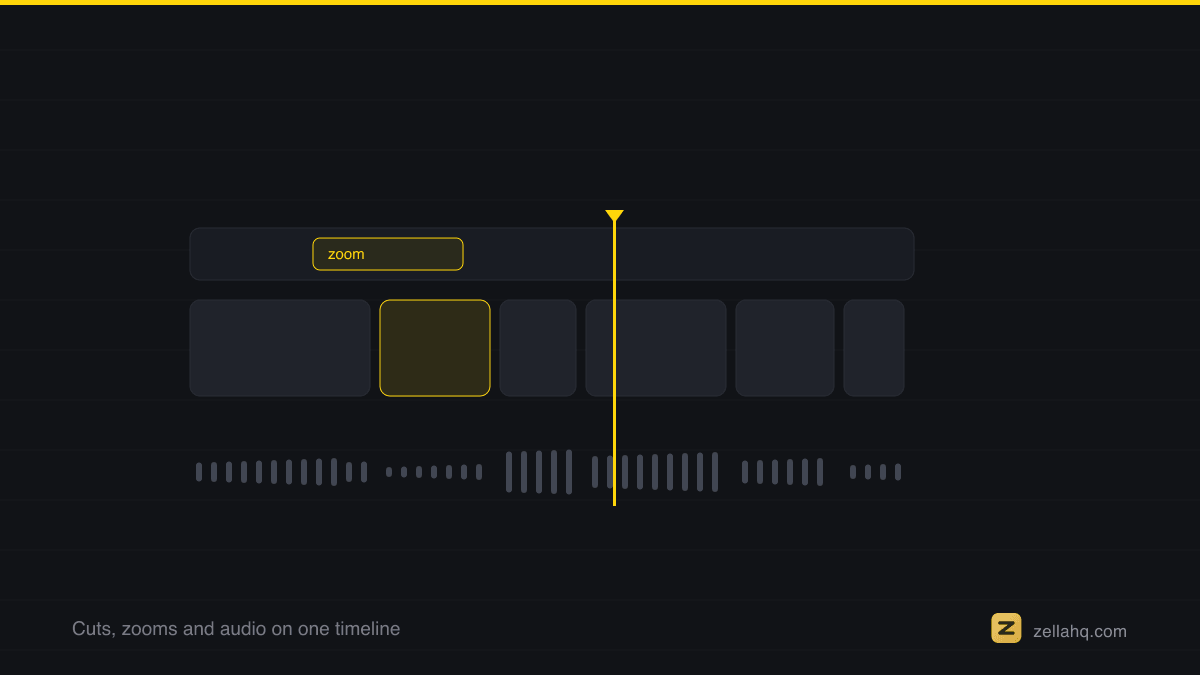
The 3-6 second rule
Analysis of high-retention shorts keeps landing on the same interval: a visual or audio change every 3-6 seconds, and never more than ~6 seconds of sameness. The change can be almost anything:
- a cut to a different framing
- a zoom punch (in or out)
- a caption keyword popping, or a sticker/emoji appearing
- a speed micro-ramp
- a sound effect or music swell
- a shake, flash or glitch on a hard statement
The brain habituates to any static stimulus within seconds; each interrupt resets that clock. This is also why cut cadence works - cuts are simply the strongest interrupt.
The measured version of "you have seconds": Nielsen Norman Group's dwell-time work found users often leave within 10 to 20 seconds absent an obvious payoff. Your own numbers are in YouTube's audience retention report, where the dips line up with the exact moments people left.
The interrupt hierarchy: cuts first, glitter last
Pattern interrupts have an ordering, and skipping levels is what makes videos feel like a slot machine:
- Cuts carry the base rhythm - they're invisible when placed at pauses.
- Zoom punches cover stretches where a cut would break continuity - emphasis zooms on strong words do double duty.
- Captions and stickers add change without touching the footage at all.
- Effects (shakes, glitches, speed ramps) are the strong stuff - use them on hard cuts and big claims, a few per video.
A good edit exhausts level 1 and 2 before touching level 4. If your video needs a glitch effect every five seconds to stay alive, the problem is upstream.
How to audit a finished edit for dead stretches
After your edit is otherwise done:
- Play the video and tap the table every time something changes.
- Any stretch where you didn't tap for six seconds is a gap.
- Fill each gap with the lowest level of interrupt that works there - a cut if there's a pause, a punch-in if not, a caption pop or small effect as a last resort.
This is deliberately mechanical - which means it automates. Zella's Auto-Polish runs pattern interrupts as its final visual pass: after the cuts, transitions, opening punch, emphasis zooms and titles are all placed, it scans the finished layout for any window still visually static for six seconds or more, and only fills those - rotating small effects so no two adjacent interrupts repeat. Because it runs last and checks coverage, it never doubles up on moments the earlier passes already animated.
Restraint: why more interrupts stop working
The rule is never more than six seconds of sameness - not something flashy every second. Interrupts work because they are departures from a pattern; if everything is an interrupt, there is no pattern to depart from. Build a calm baseline, then break it on schedule. That contrast is what holds the thumb still.
Frequently asked questions
What is a pattern interrupt in video? Any deliberate visual or audio change that breaks what the brain has started to predict and resets the viewer's attention - a cut, a zoom punch, a sticker or emoji, a speed ramp, a sound effect or music swell, a shake or glitch. The brain habituates to a static frame within seconds; each interrupt restarts that clock.
How often should I use a pattern interrupt? Every 3-6 seconds, and never let more than about six seconds of visual sameness pass. That is the interval high-retention shorts keep landing on. Analyses commonly attribute meaningfully higher average retention to videos that interrupt on this schedule versus ones that don't.
Which pattern interrupts should I use first? Work a hierarchy: cuts at pauses carry the base rhythm, zoom punches cover stretches where a cut would break continuity, captions and stickers add change without touching the footage, and strong effects (shakes, glitches, speed ramps) are used sparingly on hard cuts and big claims. Exhaust the cheap levels before reaching for glitter.
Do pattern interrupts work in the middle of a video, not just the hook? Yes - mid-video drops usually happen not because the content got worse but because the screen stopped changing. Auditing the finished edit for any 6-second static window and filling it is where most retention is recovered.
Can you overdo pattern interrupts? Absolutely. Interrupts work because they depart from a pattern; if everything is an interrupt, there's no pattern to break and the video reads as a slot machine. Keep a calm baseline and break it on schedule.
Make your next video with Zella.
Record, edit and ship on Mac and iPhone - local, private, free to start.
RELATED