Audio ducking automatically lowers background music whenever the voice speaks and lets it swell back in the gaps. Aim for music roughly 18 to 25 dB under speech, with the voice normalized near -14 LUFS. Zella's Auto-Duck does this on-device, and Auto-Polish picks a mood-matched track, snaps it to the first beat, and shapes the intro, the swells and the fade-out.
Add music to a talking video and you face an old problem: at a volume where the music feels present, it buries the voice; at a volume where the voice is clear, the music vanishes. The answer is not a compromise level - it is a moving level. That technique is called ducking, and it is why professional mixes sound scored while amateur mixes sound like two audio files fighting.
What ducking actually does
Ducking lowers the music automatically whenever speech is present and raises it back in the gaps. The music "ducks" under the voice. Radio DJs have done it live for decades; every podcast and documentary mix does it in post. The effect on the listener is subtle but powerful: the voice is always effortless to hear, and the music breathes in the pauses, keeping energy alive between sentences.
Apple's audio fundamentals is the shortest useful explanation of levels and headroom - including why a technically correct peak can still sound bad.
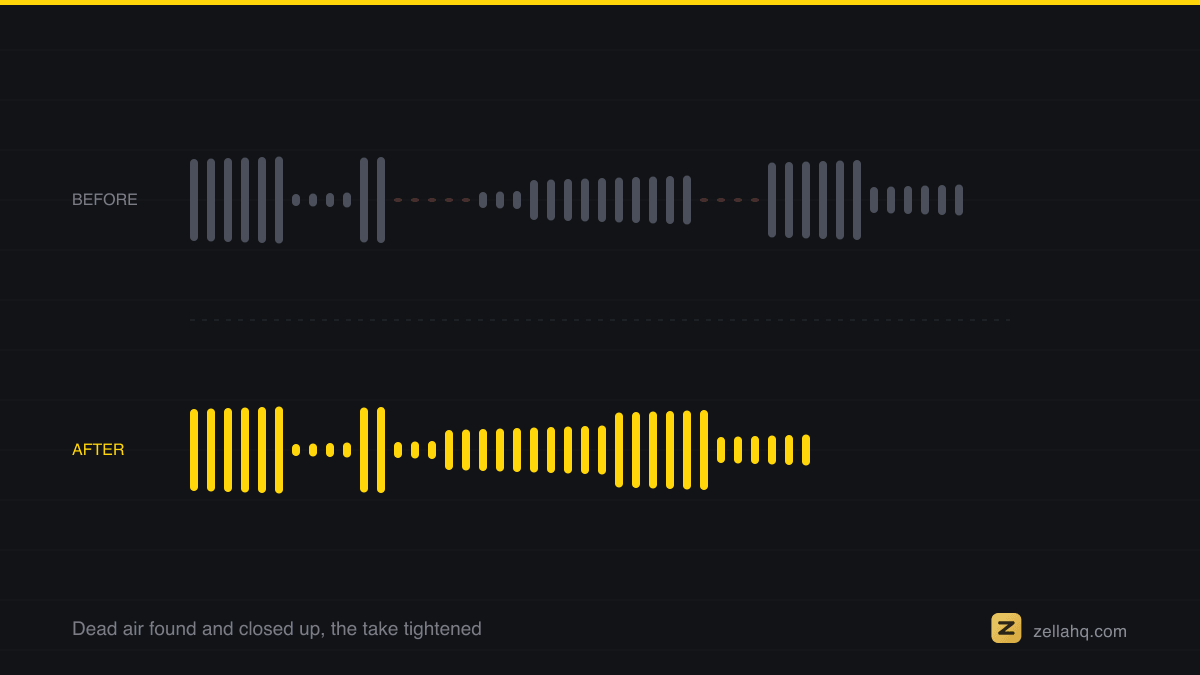
The levels that work: -14 LUFS voice, music well under
- Speech: normalize to broadcast loudness, around −14 LUFS - the level streaming platforms target.
- Music under speech: roughly −18 to −25 dB below the voice. Present but never competing.
- Music in gaps: swell up substantially - this is where the track earns its place.
- Transition speed: duck fast (under ~300 ms) when speech starts, release slower when it ends, so the swell feels like breathing, not pumping.
If you mix by hand, that is a volume keyframe at every sentence boundary - dozens per minute. Nobody sustains that, which is why it should be automatic. Zella's Auto-Duck analyzes where your voice is and rides the music under it, on-device, on both Mac and iPhone. Turn it on before you fuss with the music's overall volume; it does the riding for you.
Beyond ducking: the music arc
Great shorts don't just duck - the music has a shape:
- A stronger intro. The bed enters confident before the first words, then ducks as speech starts. This is part of the hook.
- Swells in long pauses. Any gap of a couple of seconds is a chance for the track to surge and reset energy.
- An outro fade. The music fades over the last second or two rather than stopping dead - the video feels finished, not cut off.
One more trick: start the music on a beat of the content. Snapping the bed's entrance to the first energy onset of your take makes the music feel like it belongs to the video rather than being laid over it.
Zella's Auto-Polish builds this whole arc automatically: it mood-matches the track to your speaking pace and how often you cut (uptempo for fast, energetic takes; chill or cinematic for slower ones), snaps the bed's start to the take's first detected beat, boosts the intro, swells in pauses of two seconds or more, and fades the outro - then Auto-Duck rides it under every word. You can also drag any bed's right edge on the timeline to trim how long it plays.
The one-minute ducking checklist
- Voice normalized (~−14 LUFS), music ducked ~20 dB under it.
- Music enters strong, on a beat, before the first words.
- Swells in the pauses; fades at the end.
- If you notice the music while the person talks, it's too loud. If you never notice it at all, it's too quiet - the gaps are where you should feel it.
Frequently asked questions
What is audio ducking? Ducking automatically lowers the music whenever the voice is present and raises it back in the gaps - the music "ducks" under the voice. Radio DJs have done it live for decades; every podcast and documentary does it in post. It is what makes a mix sound scored instead of like two files fighting.
How much should I lower music under a voiceover? Put the music roughly 18-25 dB below the voice while speech is present - present but never competing. In percentage terms, if your editor uses a ducking level, that is around a 70-85% reduction (not a full mute). In the gaps, let it swell back up substantially.
What volume should the voice be? Normalize speech to broadcast loudness, around −14 LUFS - the level streaming platforms target - then set the music relative to that.
How fast should ducking react? Duck fast when speech starts (attack under ~300 ms) and release slower when it ends. That asymmetry makes the swell feel like breathing rather than pumping.
Do I have to keyframe the music by hand? You can, but it's a volume keyframe at every sentence boundary - dozens per minute - which nobody sustains. Automatic ducking (Zella's Auto-Duck, or the audio-ducking feature in most editors) rides it for you. Zella also mood-matches the track, snaps it to your first beat, and shapes the intro, swells and outro fade automatically.
Make your next video with Zella.
Record, edit and ship on Mac and iPhone - local, private, free to start.
PART OF A SERIES
Music and auto-ducking
A bed under your voice that gets out of the way on its own, and where to get one.
- How to add music to a video on iPhone (and keep your voice clear)
- Audio Ducking: How to Lower Music Under a Voiceoveryou are here
- Royalty-Free Music for Commercial Video Use (2026 Guide)
All of it lives under Sounds & Audio.
RELATED