Add captions, then on the Mac open the Viral tab, scroll to Highlights and click Find the best moments; on iPhone tap Export, then Best moments as Shorts. Zella scores whole-sentence stretches of 15 to 60 seconds and keeps up to five. It runs on your device and is part of Zella Founder.
On this page
To find the best moments in a long video automatically, add captions in Zella and run Best moments: it reads what you said, scores every whole-sentence stretch of 15 to 60 seconds, and gives you up to five that do not overlap. On the Mac you watch each one and trim to it; on iPhone it exports each one as its own vertical 9:16 Short in one go. It runs on your device and is a Zella Founder tool since 1.0.14.
Here is how it picks, how to use it on each device, and when it is better to cut by hand.
How Best moments picks a moment
It looks only at whole sentences, so a moment never starts or ends mid-word. Each run of sentences between 15 and 60 seconds long gets a score from three things:
- How it opens. A question, a number or a hook word such as "secret", "mistake" or "how" gives a moment a strong start.
- How lively the delivery is, and how loud your voice is against the rest of the take.
- How few filler words ("um", "uh", "like") it carries.
It then keeps the best moments that do not overlap, up to five, in time order. The hook words are English; the other signals work in any language your captions are in.
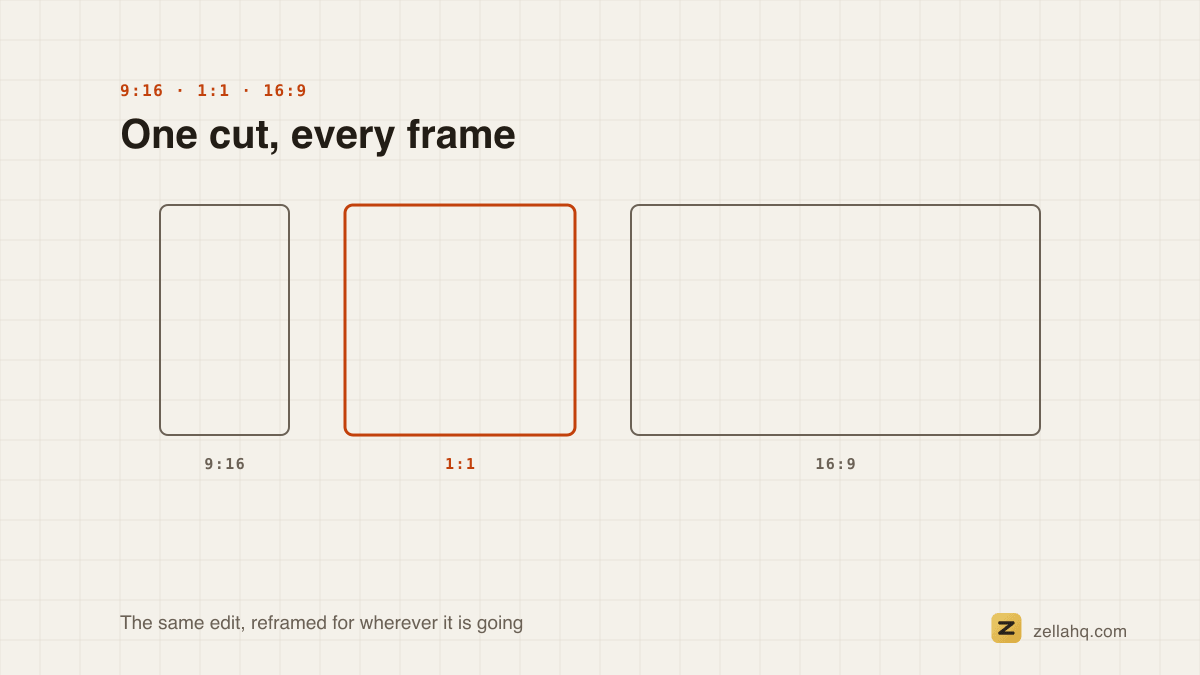
What it does not do: it does not watch the picture, it does not know what is trending, and it does not write new hooks for you. It finds the parts of what you already said that are most likely to stand on their own.
How to find the best moments on the Mac
- Open the video in the editor and add captions. Without them, the panel says "Add captions first: highlights come from your words."
- In the left sidebar, click the Viral tab (headed VIRAL TEMPLATES) and scroll down to HIGHLIGHTS.
- Click Find the best moments. Each moment shows its time, such as "1. 2:05 to 2:48 (43 s)", and its opening words.
- Click Watch to play it from the start.
- Click Keep only this moment to trim the video to it. This is one undo step: undo brings the whole video back.
- Make it a Short: Make Vertical in Auto Tools, then export.
- Undo, pick the next moment, and repeat.
On the Mac you can adjust the trim after Keep only this moment like any other, so a moment that starts a sentence early is easy to fix.
How to export best moments as Shorts on iPhone
- Open the project and add captions. A project you ran Clean up on also works, because it has a transcript.
- Tap Export. In the Batch section, tap Best moments as Shorts.
- Zella exports one vertical 9:16 Short per moment, at 1080p MP4 with the TikTok, Reels and Shorts frame. Each keeps your edit (captions, look, music) and drops everything outside the moment. Your original project does not change.
- When they finish, tap Share or Save to Photos. Cancel stops the batch and keeps the Shorts already made.
On iPhone the Shorts export as found. To fine-tune one, cut it by hand in the editor.
How long the source video needs to be
| Source length | What to expect |
|---|---|
| About 1 minute | Rarely more than one moment |
| About 20 minutes of talk | Can give five, the most it keeps |
If nothing qualifies, Zella says "No moment of 15 seconds or more stood out." That usually means the take is short, mostly silent, or mostly music. Edit the captions and click Find again on the Mac.
A workflow for a 20-minute talk
Say you recorded a 20-minute webinar and want a week of Shorts from it. A plan that works:
- Caption the whole recording first, and fix any misheard product names, because the score reads those words.
- Run Find the best moments on the Mac, or Best moments as Shorts on iPhone.
- Watch every moment from the start. Keep the ones whose first sentence makes sense to someone who has not seen the rest of the talk.
- For each keeper, check the first frame. If you are mid-gesture or looking away, trim a second off the start.
- Add a short title on screen if the opening line needs context, such as the question you were answering.
- Export at 1080p and post one a day.
Five moments is the most it keeps, so a long talk with many good parts may still need a second pass by hand. That is a feature, not a gap: five strong Shorts beat fifteen weak ones.
Best moments versus cutting Shorts by hand
Best moments is fast when you have a long talk, a podcast or a webinar and want a shortlist. Cutting by hand is better when you already know the moment, or when the best part is visual, such as a reaction or a product reveal, because the score reads words and voice level, not the picture.
Cutting a Short by hand stays free on every plan: split, trim, Make Vertical and export. Our guide to repurposing one long video into short clips covers that workflow, and how to search your videos by what was said helps you jump to a moment you remember.
Common mistakes
- Running it before captions. Best moments needs your words. Caption first.
- Captions in the wrong language. If the transcript is nonsense, the score is too. Check the language, or see captions in the wrong language.
- Forgetting to undo between moments on the Mac. Keep only this moment trims the project. Undo before picking the next one.
- Posting without a first-second check. A strong opening sentence is not always a strong first frame. Watch each Short before you post.
- Expecting a hook bonus in other languages. The hook words are English; Bangla, Hindi and other takes are scored on delivery and fillers only.
Resources and further reading
See more ways to publish to every platform on the ship everywhere feature page, or download Zella.
Frequently asked questions
Can AI find the best clips in a long video? Yes. Zella's Best moments reads your captions on your device and picks up to five strongest 15 to 60 second stretches, scored on how they open, how lively the delivery is and how few fillers they carry.
Does Best moments upload my video? No. It reads the words and the audio level on your device. Nothing is sent anywhere.
Is Best moments free? No. It is a Zella Founder tool on Mac and iPhone. Cutting a Short by hand with trims and Make Vertical stays free on every plan.
Does it work in Bangla or Hindi? Yes. Only the hook-word bonus is English; the rest of the score works in any language your captions are in.
What format are the Shorts on iPhone? Each one is a vertical 9:16 video at 1080p MP4, keeping your captions, look and music, with everything outside the moment dropped.
Can I change where a moment starts? On the Mac, yes: adjust the trim after Keep only this moment. On iPhone, the Shorts export as found, so cut one by hand to fine-tune it.

Written by
Nasir Uddin Shamim
Founder of Zella
Nasir Uddin Shamim is the founder of Zella. He built his career in SEO, AI, and marketing - never short on ideas, but every one of them hit the same wall: turning a raw recording into a video worth posting. Like most beginners, he burned hours fighting complicated editors and shipped far less than he wanted to. So he built Zella, a screen recorder and AI editor for Mac and iPhone that does the hard parts for you - first to unblock himself, and now to help anyone go from raw clip to polished video without the learning curve.
More from Zella: fresh tutorials on the channels above, plus product updates and editing tips straight to your inbox.
Make your next video with Zella.
Record, edit and ship on Mac and iPhone - local, private, free to start.
PART OF A SERIES
Let AI find, cut and blur
Search by spoken words, find best moments, blur emails, edit screen recordings.
- How to Search Your Videos by What Was Said
- How to Find the Best Moments in a Long Video for Shortsyou are here
- How to Blur an Email Address or Name in a Video
- AI Video Editor for Screen Recordings: What to Ask It
- AI Captions in the Wrong Language? Tell It What Is Spoken
All of it lives under One-Click.
RELATED