A phone is a complete video studio when the order is right: handle the background at capture, do surgical cleanup in a transcript editor, run one automated polish pass for cuts, captions, sound and music, then export with a platform preset. Zella for iPhone runs every step on-device and is available on the App Store.
"I'll edit it when I'm at my computer" is where most phone recordings go to die. The footage was shot on the phone, will be watched on phones - the laptop round-trip is pure friction. A phone-only workflow removes it, but only if you sequence the work so the phone's strengths (capture, automation, touch tweaks) carry the load and its weaknesses (fine manual work) are designed out.
Step 1: solve problems at capture, not in the edit
The biggest phone-editing time sinks are things desktop editors fix in post - messy backgrounds, bad framing. Fix them while recording:
- Background: blur, cut out or replace it live as you film. In Zella for iPhone the segmentation runs on the Neural Engine and is baked straight into the recording - no green screen, no post work.
- Framing: record slightly wide. Auto-reframe will punch in and track your face later, so headroom beats a perfect crop.
- Audio: get close to the phone. Denoise can remove background hiss, but distance-thin voice is forever.
- Crash safety: a call or low battery shouldn't cost the take - Zella records in segments so an interruption never loses what you already said.
Where a platform publishes hard numbers, prefer those to folklore: YouTube documents Shorts as up to 3 minutes long and uploaded at a maximum of 1080p.
Step 2: cleanup in text, not on the timeline
Scrubbing a timeline with a thumb is the worst version of editing. Do the surgical work in the transcript editor: your take appears as text, you delete the flubbed sentences and false starts, and the video ripple-cuts itself. This is the phone-friendly version of the one-take workflow - a minute of reading replaces ten minutes of scrubbing.
Step 3: one automated polish pass
Here the phone beats the laptop outright, because this part is automation rather than dexterity. One tap of Auto-Polish runs the whole retention edit on-device:
- Silences and filler words cut, word-safe.
- A hook title from your first spoken line, with an opening punch-in on your face.
- Extra cuts at your natural pauses, with a cross-dissolve on the widest-spaced joins.
- Neural denoise plus voice polish at broadcast loudness.
- Big keyword captions with emphasis zooms.
- A mood-matched music bed that ducks under your voice.
- Pattern interrupts over anything still static.
Colour is the one thing it leaves alone, so any grade you applied survives untouched. Nothing uploads either: this is the Neural Engine, not a server.
Step 4: precision passes, where touch is actually good
After the automated pass, phones are fine for the fine-tuning - the tools just have to be built for fingers:
- Waveform on the timeline: every clip shows its audio waveform, so you can nudge a cut into a pause by eye.
- Pinch to zoom the timeline for frame-level trims; per-clip volume to balance the mix.
- Fix caption words (names, jargon) in the transcript word editor.
- Trim the music bed by dragging its right edge; keyframes, zoom blocks and speed ramps are there when you want a manual move.
Step 5: export for the platform - or hand off
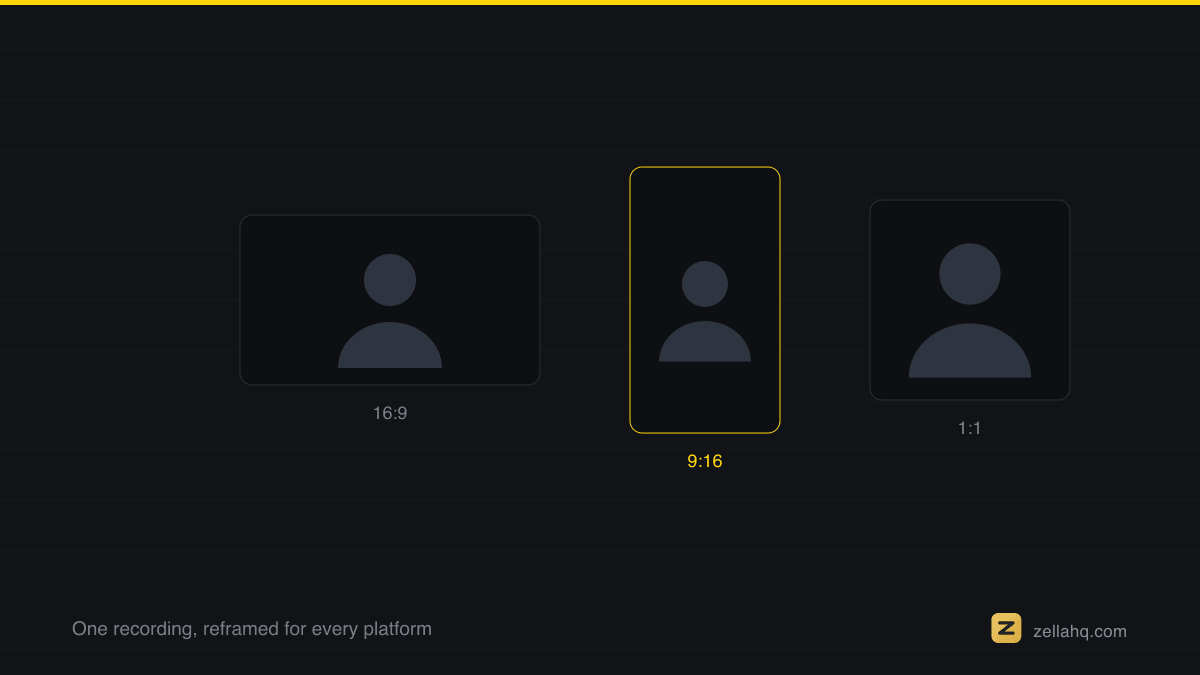
Export MP4/MOV/GIF with TikTok / Reels / Shorts presets, with a face-aware 9:16 reframe if you shot horizontal. And for the rare project that outgrows the phone, don't re-edit - hand off: Zella saves the project as a .zella file the Mac app opens with the same timeline, same edits, nothing re-rendered in the cloud.
How long a phone-only edit actually takes
For a 60-second talking-head short, done maybe twenty times: recording 5 minutes (one take, retries in-roll), transcript cleanup 1-2 minutes, Auto-Polish under a minute, watch-through and tweaks 3-4 minutes, export ~1 minute. Call it 12 minutes, phone to posted. The laptop version of that pipeline isn't better - it's the same edit with a commute in the middle.
Frequently asked questions
Can you edit a professional short entirely on a phone? Yes. A phone is a complete studio when you sequence the work to its strengths: solve messy backgrounds and framing at capture, do surgical cuts in a transcript editor, run one automated polish pass for cuts/captions/sound/music, then export with a platform preset. Fine manual work - the phone's weakness - gets designed out.
What order should I edit a phone video in? Capture (background, framing, audio, crash safety) → transcript cleanup (delete flubs) → one automated polish pass → precision tweaks by touch (nudge cuts against the waveform, fix caption words, trim the music bed) → export or hand off. Doing cleanup before polish means everything else is built against the tightened timeline.
Do I need CapCut and a separate app to record? No - a workflow that records and edits in one app removes the import/export round-trip. Zella records with live on-device background replacement and edits in the same place, so the recording lands in the editor ready to polish.
How long does a phone-only short take to make? For a 60-second talking-head short: recording about 5 minutes (one take, retries in-roll), transcript cleanup 1-2 minutes, the automated polish pass under a minute, watch-through and tweaks 3-4 minutes, export ~1 minute - roughly 12 minutes phone to posted.
What if a project outgrows my phone? Hand it off rather than re-editing. Zella saves the project as a .zella file the Mac app opens with the same timeline and edits intact - nothing re-rendered in the cloud.
Should I shoot vertical or crop later? Record slightly wide and let a face-aware 9:16 reframe punch in and track you on export. Headroom beats a perfect crop, because auto-reframe can always tighten - it can't invent framing you didn't capture.
Make your next video with Zella.
Record, edit and ship on Mac and iPhone - local, private, free to start.
RELATED