In Zella a raw screen recording becomes post-ready in one tap. Auto-Polish runs automatically the moment you stop recording and adds emphasis zooms, silence cuts and a clean voice; the Make it Viral pass then layers on captions, transitions, matched sound effects and a ducked music bed. Use Auto-Polish for a tutorial or demo, Make it Viral for a feed post. Both run on-device.
A raw screen recording is almost never postable. It starts slow, sits on dead air while you find your words, and has no captions, which is exactly what makes viewers scroll.
The fastest fix is one tap. In Zella, Auto-Polish runs automatically the moment you stop recording, adding zoom-ins, silence cuts and a clean voice. The Make it Viral pass then turns that clean cut into a post-ready one with transitions, matched sound effects, and a ducked music bed. All of it on-device: no upload, no account.
The stakes are front-loaded. Roughly 50 to 60 percent of viewers leave in the first three seconds, and a raw recording spends those three seconds clearing your throat. Fix the opening and the pacing and you have done most of the work that separates a draft from a post.
What a raw recording is missing
It helps to name what is actually wrong with the raw file, because each item maps to a specific automatic edit:
- Dead air and filler. Pauses and "umms" that stall the video. Viral short-form cuts every 2.5 to 4 seconds. Raw footage cuts never.
- No captions. About 85 percent of social video is watched muted, and captions can lift watch time by up to roughly 40 percent. A caption-less clip forfeits all of that.
- No motion. A static screen with no zooms gives the eye nothing to track.
- Flat, noisy audio. Room hiss and an even volume make it feel like a draft.
- No color or sound design. Nothing signals "this was made on purpose."
Every one of those is rule-based, which is why one tap can address the whole list.
Apple's Final Cut Pro user guide is the shortest useful explanation of levels and headroom - including why a technically correct peak can still sound bad.
The Mac side of this runs on ScreenCaptureKit, which captures cursor and click events with the frames instead of reconstructing them afterwards; ReplayKit is the iPhone counterpart.
The one-tap fix: Auto-Polish
The instant you stop a recording in Zella, Auto-Polish runs on its own. You do not click anything or wait in an upload queue. It returns a first cut that already has:
- Captions, transcribed and styled (9 styles available).
- Zoom-ins on the moments that matter.
- Clean voice, with noise and hiss reduced.
- Your color left alone. Auto-Polish never grades for you; pick one of the looks yourself if you want one.
Use this version when your goal is clarity: a tutorial, a demo, an internal walkthrough. It is clean, captioned, and watchable, and for many screen recordings it is all you need. For the caption piece specifically without ever uploading, see add captions to a screen recording without uploading.
When to go further: Make it Viral
When the goal is a social post, not just clarity, run the Make it Viral pass on top. It keeps your original aspect ratio and layers on the things that make an edit feel produced:
- Transitions between the tightened pieces (25 available).
- Matched sound effects, whooshes and impacts landing on the cuts and zooms.
- Ducked music, a bed that automatically drops under your voice.
- Word-pop captions, the animated style built for feeds.
So the rule of thumb is simple:
| Use case | Run this | Why |
|---|---|---|
| Tutorial, demo, internal share | Auto-Polish | Clean, clear, no sound-design distraction (captions are one more click) |
| TikTok, Reel, Short, promo | Make it Viral | Transitions, SFX, and music for feed energy |
| Not sure | Start with Auto-Polish, add Make it Viral | Auto-Polish already ran, so you only decide whether to push further |
Because Auto-Polish runs automatically, you never start from raw. You only decide whether to go one step further.
Keep your original framing, or make it vertical
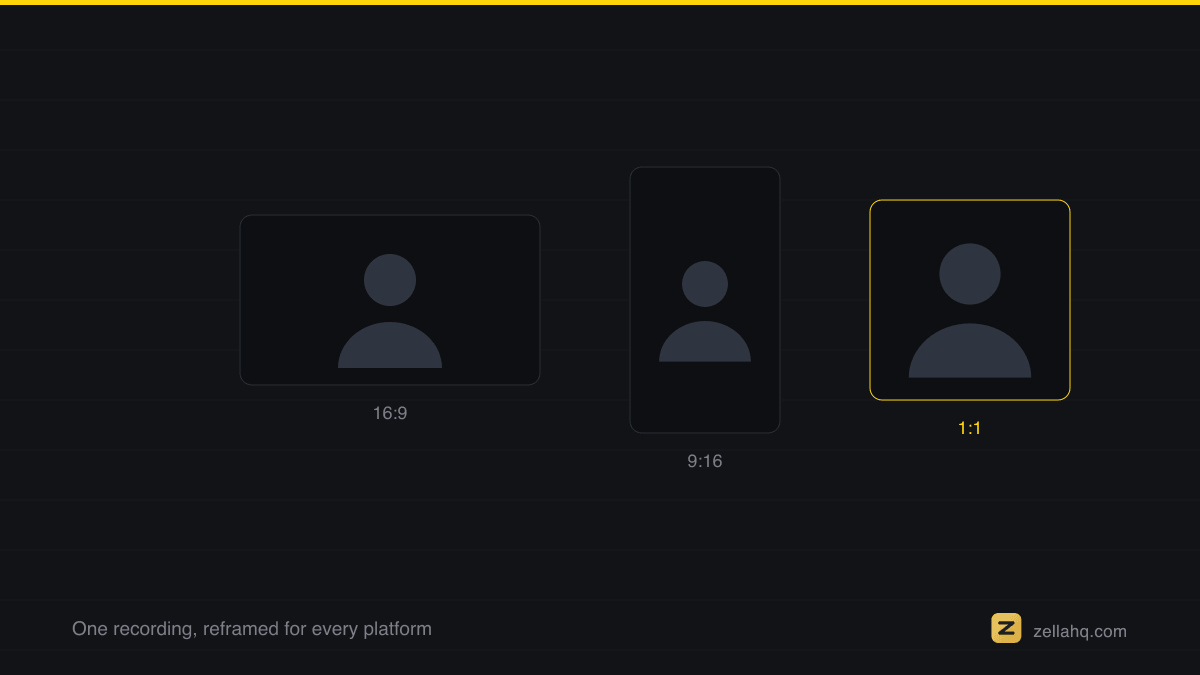
Make it Viral deliberately keeps the aspect ratio you recorded in. A 16:9 demo stays 16:9, just punchier. If you want a vertical crop for Reels or TikTok from a wide screen recording, that is a separate, intentional step covered in make a 9:16 reel from a screen recording. Keeping these separate is on purpose: automatic reframing that guesses wrong is worse than no reframing.
Frequently asked questions
How long does the one-tap process take? Auto-Polish runs the moment you stop recording, so the first clean cut is already waiting for you. Make it Viral is one additional tap. Because it all happens on-device, there is no upload and no render queue; the time depends on clip length and your machine, not on someone else's server.
Does turning a screen recording into a post require uploading it anywhere? No. Zella processes everything on-device: no upload, no account, no subscription. That is why it suits confidential demos and client work.
What is the difference between Auto-Polish and Make it Viral? Auto-Polish is the automatic clean-up that runs when you finish recording: zooms, silence cuts, clean voice, and no color changes at all, with captions left for you to add in one click. It is the one to stop at for clarity. Make it Viral is the on-demand fuller pass that adds transitions, matched sound effects, and a ducked music bed on top, built for a social post. The deeper walkthrough is in how to make a video go viral with one click.
Can I post it for free? Yes. Zella's free tier is watermark-free, includes the full editor and all the AI, and exports at 1080p up to 2 minutes, which covers most screen-recording clips. Longer exports and 4K (plus 8K on Mac) come with the one-time $89 Pro, a Universal Purchase across Mac and iPhone, detailed on pricing.
My screen recording is over 2 minutes, what then? Recording length is unlimited on the free tier. Only the export is capped at 2 minutes. Trim to your best two minutes, which Auto-Polish has already tightened for you, or unlock Pro for unlimited export length.
Try it in Zella
- Get Zella - free, on-device, no account. The Mac app is on the Mac App Store; Zella for iPhone is out now on the App Store.
- Record your screen. Auto-Polish runs automatically when you stop.
- If it is for a feed, tap Make it Viral to add transitions, SFX, and music.
- Rewrite the first caption to match your hook and confirm the framing.
- Export at 1080p (up to 2 minutes free) and post.
Raw to post-ready is now the default path, not a two-hour edit. Try the free on-device cleanup on your next recording and skip the drafts folder entirely.
Make your next video with Zella.
Record, edit and ship on Mac and iPhone - local, private, free to start.
PART OF A SERIES
Auto-Polish and Make it Viral
What the one-tap passes actually change, and what they deliberately leave alone.
- Turn a Raw Screen Recording Into a Post-Ready Video in One Tapyou are here
- What Make it Viral Actually Fixes in One Tap
- How to make videos faster when you have no time to edit
- How to Use AI to Edit Videos Faster (and Stay Private)
All of it lives under One-Click.
RELATED