No app can promise a video goes viral, but Zella's one-tap Make it Viral pass removes the editing reasons most videos flop. In a single click it trims dead air, adds punch-in zooms, transitions, matched sound effects, a ducked music bed and word-by-word captions, and it keeps the aspect ratio you recorded in. It is free, runs on-device, and every edit stays editable afterwards.
The honest answer first: no button guarantees a video goes viral. Reach depends on your idea, your hook, and luck. But the reason most decent videos flop is boring and fixable. They start slow, sit on dead air, carry no captions, and sound flat.
Zella's one-tap Make it Viral pass fixes exactly those things. One click trims the silence, adds punch-in zooms and transitions, lands matched sound effects on the cuts, ducks a music bed under your voice, and burns in word-by-word captions. The version you post ends up being the tight one instead of the raw one.
So the realistic goal is not "make it go viral." It is "stop giving the algorithm a reason to bury it." The first three seconds decide most of it: on short-form platforms, roughly 50 to 60 percent of viewers drop off inside the first three seconds, and a hook that lands within two seconds is associated with about 19 percent higher retention. One click cannot write your hook. It can make sure a strong hook is not buried behind a slow, quiet, caption-less opening.
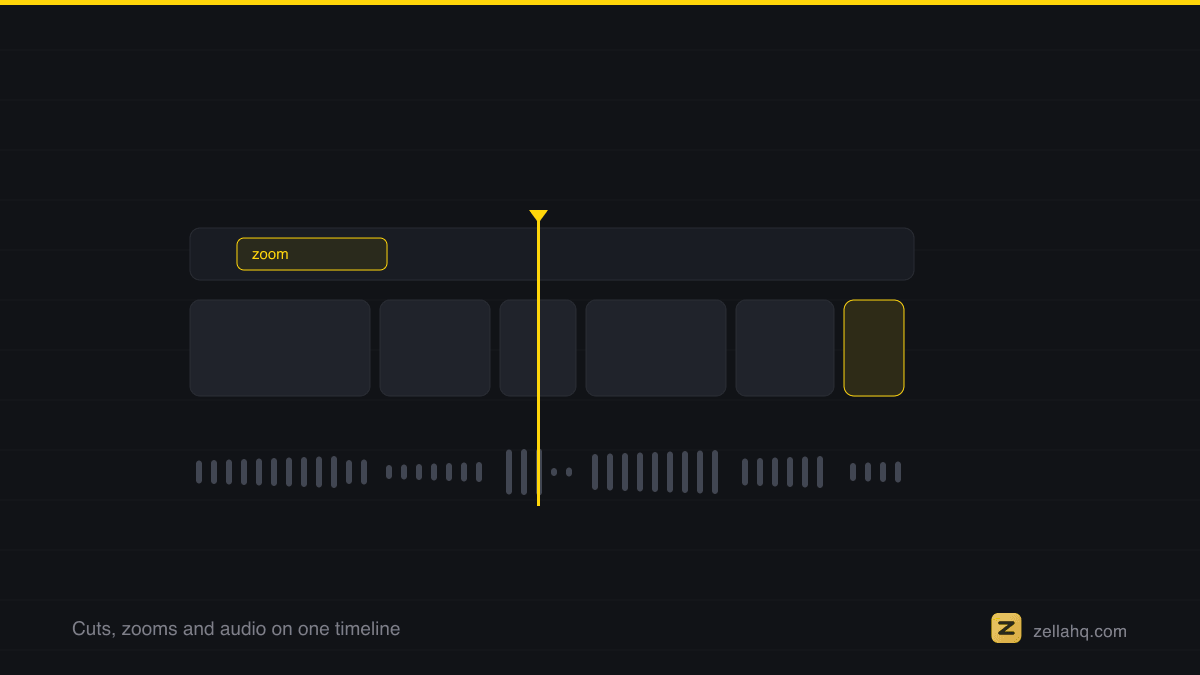
What one click actually changes
Make it Viral does the edits a good human editor would do first, the mechanical ones that take an hour by hand. Here is the full pass, in order:
- Dead-air trim. Long pauses and "umm" gaps get cut so the video never stalls. Tight pacing is the single biggest retention lever, viral short-form typically cuts every 2.5 to 4 seconds.
- Punch-in zooms. Automatic scale-ins on emphasis moments add motion and direct the eye, so a static talking-head or screen never feels flat.
- Transitions. Clean cuts and transitions (Zella ships 25) join the pieces so the tightened timeline still flows.
- Matched sound effects. Whooshes and impacts land on the cuts and zooms, which is what makes edits feel intentional instead of choppy.
- Ducked music. A music bed is added and automatically lowered under your voice, so it lifts energy without burying what you say.
- Word-pop captions. Animated, word-by-word captions burn in. Around 85 percent of social video is watched muted, and captions can lift watch time by up to roughly 40 percent, so this alone often moves the numbers more than anything else.
Make it Viral keeps your original aspect ratio. It will not force a 16:9 demo into a 9:16 crop or the reverse. It makes the framing you already chose punchier.
If the terms are new, Apple's Final Cut Pro user guide covers levels and headroom, and why hitting the right peak does not by itself make a mix sound right.
Why editing pace beats production value
Creators overspend on cameras and lighting and underspend on pacing. The platforms rank on watch time and completion, not on resolution. A phone clip cut every three seconds with captions and a strong first line will out-travel a 4K clip that opens with five seconds of "hey guys, so today I wanted to talk about."
That is the whole logic behind a one-click pass. The edits that most affect reach are also the most repetitive and rule-based, which makes them the right thing to automate. You keep the creative decisions (idea, script, hook) and hand off the mechanical ones (trimming, zooming, captioning, scoring). Our guide on how to make a video go viral covers the ideas half: hooks, formats, and posting cadence.
What to fix yourself after the one-tap pass
The one-tap pass gets you to roughly 90 percent. The last 10 percent is where you make it yours, and every edit stays fully editable afterwards:
| Manual tweak | Why it is worth 60 seconds |
|---|---|
| Rewrite the first caption line | The highest-leverage change on the page. Match it word for word to your spoken hook. |
| Add a color look | Auto-Polish deliberately never grades for you. Pick one of the colour looks and push warmer, cooler, or more cinematic. |
| Change the caption style | 9 presets, from clean minimal to bold word-pop. |
| Nudge a zoom | Drag any punch-in that landed a beat early or late. |
None of this requires a subscription or an account. Zella runs entirely on-device, so your footage never uploads to a server to be processed.
Frequently asked questions
Can any tool actually make a video go viral? No, and be skeptical of anything that claims it can. What a tool can do is remove the reasons a video underperforms: a slow start, dead air, missing captions, flat audio. Make it Viral does that in one click, which improves your odds without promising an outcome nobody controls.
Does Make it Viral change my aspect ratio? No. It keeps whatever aspect ratio you recorded in and makes the framing punchier with zooms. If you specifically want a vertical crop from a wide recording, see make a 9:16 reel from a screen recording.
Is Make it Viral free? Yes. It is part of Zella's free tier, which is watermark-free, includes the full editor and all the AI, exports at 1080p, and lets you export clips up to 2 minutes. The one-time $89 Pro unlock adds unlimited export length and 4K, plus 8K on Mac. See pricing for the breakdown.
Can I undo the edits if I do not like them? Yes. Every part of the pass stays on the timeline as editable layers: cuts, zooms, captions, music. Nothing is baked in, so you can tweak or remove any single edit.
How is this different from Auto-Polish? Auto-Polish runs automatically the moment you finish a recording and does the clean-up basics: zoom-ins, silence cuts, clean voice, with captions one click away. It never touches your color. Make it Viral is the fuller, on-demand pass built for a post, adding transitions, matched sound effects, and ducked music on top. Our guide on turning a raw screen recording into a post-ready video in one tap compares the two directly.
Try it in Zella
- Get Zella - free, no account, nothing uploaded. The Mac app is on the Mac App Store; Zella for iPhone is on the App Store.
- Record or import your clip.
- Open it in the editor and click Make it Viral.
- Watch the one-tap preview, then rewrite the first caption line to match your hook.
- Export at 1080p (up to 2 minutes free) and post.
The goal is not a magic button. It is never posting the raw, slow version again. Try the free on-device cleanup and see how different your own footage feels once the dead air is gone.
Make your next video with Zella.
Record, edit and ship on Mac and iPhone - local, private, free to start.
PART OF A SERIES
Auto-Polish and Make it Viral
What the one-tap passes actually change, and what they deliberately leave alone.
- Turn a Raw Screen Recording Into a Post-Ready Video in One Tap
- What Make it Viral Actually Fixes in One Tapyou are here
- How to make videos faster when you have no time to edit
- How to Use AI to Edit Videos Faster (and Stay Private)
All of it lives under One-Click.
RELATED