Reels usually underperform your TikToks because Instagram rewards different signals, not because the content is bad. The usual causes: a visible TikTok watermark (which Instagram down-ranks), the wrong length or crop, a hook built for a warm TikTok audience instead of a colder Instagram one, and missing captions (about 85% of Reels viewers watch muted). Fix the watermark, re-cut the first 3 seconds, add captions, and upload a clean native file.
If your TikToks pop but your Reels flatline, it is almost never that your content is bad - it is that Instagram rewards different signals than TikTok, and a clip tuned for one platform often stalls on the other. The usual suspects: a visible TikTok watermark that Instagram suppresses, the wrong length or crop, a hook built for a warm TikTok audience shown to a colder Instagram feed, missing captions, and posting to followers who simply do not watch your Reels. Here is the specific diagnosis and the fix for each.
Quick diagnosis: run these checks first
Before anything else, answer three questions. If any is "yes," you have likely found your problem:
- Is there a TikTok watermark or username anywhere in the frame? Instagram down-ranks obviously recycled content.
- Did you hit share directly from TikTok (or save with the watermark) instead of exporting a clean file? Same problem.
- Are your Reels longer or slower than your TikToks, with the hook buried past 3 seconds? A colder audience is less patient.
Where a video shows up is partly a technical question, and Google documents the answer in its video SEO best practices - what has to be present for a video to be indexed at all.
The 8 most common reasons Reels underperform your TikToks
- The TikTok watermark. This is the number one cause. Instagram's systems detect the watermark (and even the compression fingerprint of a re-saved TikTok) and limit reach. Always export a clean, watermark-free version and upload that.
- The hook was built for a warmer audience. On TikTok your niche audience already gets you, so a subtle opener works. On Reels you are often shown to a colder, broader Explore audience that needs the payoff stated in the first 3 seconds - roughly half of viewers leave in those 3 seconds if nothing lands.
- No captions. About 85% of Reels viewers watch muted, at least at first. If your hook and value live only in audio, most of the feed never receives them. Burned-in captions lift completion, the metric Reels ranks on.
- Wrong length for the format. TikTok tolerates longer, slower storytelling; Reels reach favors tight clips, usually under 30 seconds, that loop. A 60-second Reel that people abandon signals low completion. See how long a Reel should be.
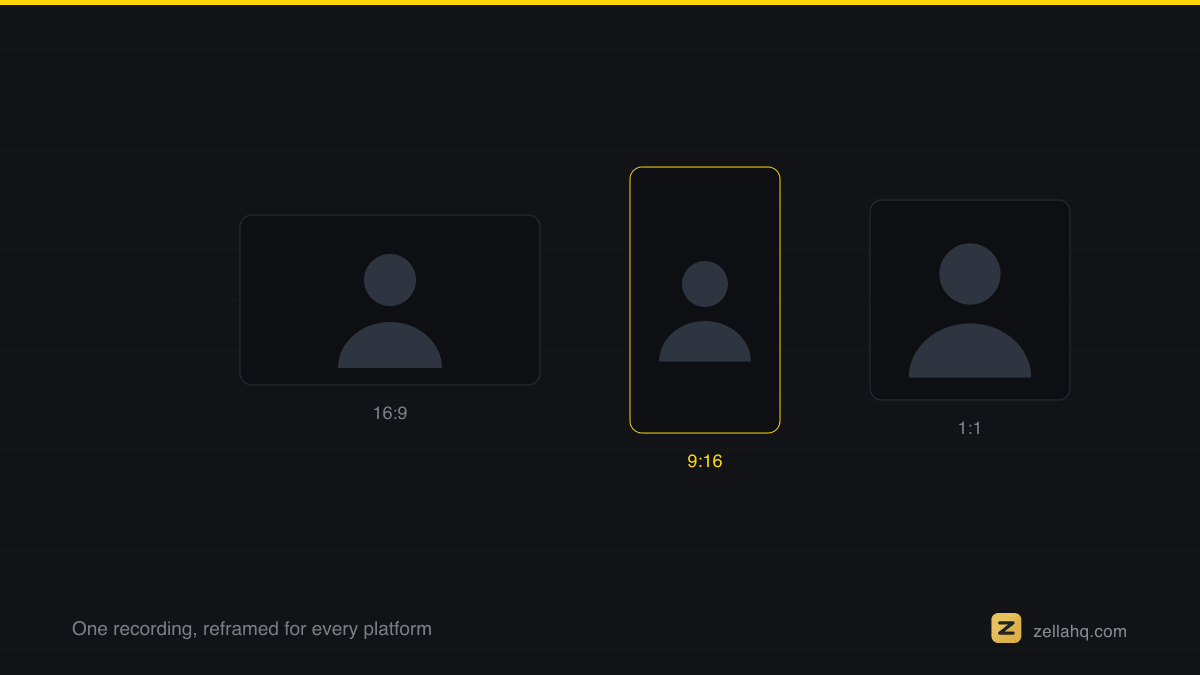
- Wrong crop or safe zones. A clip cropped for TikTok's UI can put your text under Instagram's caption, username, and side buttons. Reframe cleanly for Reels - here is how to resize a video for TikTok, Instagram and YouTube.
- Audio that does not fit Instagram. A sound trending on TikTok may be flat on Instagram. Use audio that is trending on Reels specifically, or lean on your original audio for talking-head content.
- Your following does not watch your Reels. If you grew on static posts, your existing followers may skip Reels, giving you a weak first hour and a soft start. That is a distribution problem, not a content problem - it fixes itself as you post Reels consistently.
- Inconsistent posting. One Reel a week gives Instagram too few at-bats to learn what your Reels are and who to show them to. Cadence teaches the algorithm.
How to fix it: the 15-minute Reels reset
Do this on your next post and compare:
- Start from the clean master, not the TikTok export. Remove any watermark or username. If you only have the watermarked version, re-export a clean copy or re-cut from the original.
- Rebuild the first 3 seconds for a cold audience. Put the payoff on screen in text immediately: "Here is the mistake killing your Reels" beats a slow intro. Assume the viewer does not know you.
- Add captions. Word-by-word or line captions, high contrast, out of the bottom third.
- Tighten the cut. Trim dead air; aim for a cut every 2.5 to 4 seconds so there is never a boring beat to swipe on.
- Reframe to full-bleed 9:16 at 1080 x 1920, with text inside roughly the central 80% of the frame.
- Pick Reels-native audio (or clean original audio) and end on a loop or a reason to re-watch.
- Post native, at your audience's active window - see when to post on TikTok, Instagram and YouTube - and repeat for a week before judging results.
For the broader version of this diagnosis across every platform, see why am I not getting views on my videos.
Frequently asked questions
Does Instagram really punish TikTok watermarks? Yes. Instagram has openly favored original content and de-prioritizes visibly recycled clips, and a TikTok watermark is the clearest recycled signal there is. Removing it is the single highest-leverage fix.
Is my account shadowbanned if Reels get no views? Almost always no. Low Reels reach is usually the signals above - watermark, cold-audience hook, missing captions, weak completion - not a penalty. Fix those and reach typically recovers within a few consistent posts.
Why do the same followers watch my TikToks but not my Reels? Different audiences with different habits. People who found you on TikTok live on TikTok; your Instagram followers may have followed you for something else. Reels reach also leans more on non-followers via Explore, so your first hour depends on strangers finding it compelling.
How long until my Reels start getting views? If you fix the fundamentals and post consistently, most creators see Reels reach stabilize within 1 to 3 weeks. The algorithm needs repeated, comparable posts to learn who to serve them to.
Should I stop cross-posting from TikTok entirely? No - cross-post the content, not the file. Reuse the idea and footage, but export a clean master and re-cut the hook and captions for Instagram. Same effort, far better reach.
Make it faster in Zella
Most of these fixes - clean export, new hook, captions, tighter cuts, 9:16 reframe - are exactly what Zella automates, on-device, with no account and no upload. Zella never stamps a watermark on any export, free or paid, so the file you upload to Instagram is always clean.
- Import your clip (or record fresh - recording is unlimited and watermark-free on the free plan).
- Auto-Polish runs automatically on a new recording: punch-in zooms, silence and filler cuts, and voice cleanup, so the retention layer is handled, and captions are one more click.
- Tap Make it Viral for a one-tap, ready-to-post pass: dead-air trim, punch-in zooms, transitions, word-pop captions and a ducked music bed. Write the new hook line yourself - that judgment is still yours.
- Reframe to 9:16 and export a clean 1080p file (up to 2 minutes free; the one-time $89 Pro adds unlimited length and 4K).
Because it is fully on-device with no subscription, you can re-cut and re-post daily until Reels catches up to your TikToks. The Mac app is on the Mac App Store today, and Zella for iPhone is out now on the App Store. For the strategy layer, read how to make a video go viral.
Make your next video with Zella.
Record, edit and ship on Mac and iPhone - local, private, free to start.
RELATED