Auto-Polish on iPhone is a free one-tap edit that runs ten steps on the device: it removes silences and fillers, adds a hook title, cuts at your natural pauses, blends about eight joins, cleans and polishes your voice, punches in on the opening, adds emphasis zooms, lays mood-matched music and breaks up static stretches. It adds no captions, colour grade or sound effects.
On this page
- Before you tap
- How to run it
- The ten steps
- Steps 1 to 4: the cuts
- Step 5: blending the joins
- Step 6: the voice
- Steps 7 and 8: framing and zooms
- Steps 9 and 10: music and pattern interrupts
- What Auto-Polish leaves out, and why
- Running it again, and undoing it
- Common mistakes
- Resources and further reading
- Frequently asked questions
Auto-Polish on iPhone is one tap that runs a full retention edit on a raw take, on the device. It works through ten steps, from cutting silences to laying in music, and stops there. Captions, colour grading and sound effects are separate: one more tap each, or all at once with Make it Viral.
Below is each step in order, what it does to your video and why it is there. Get the app at download Zella.
Before you tap
Auto-Polish reads your words and your pauses, so it does its best work on a raw talking-head take: one person, speaking to camera, with natural gaps. A few things help:
- Set the spoken language in the Captions panel if you are not speaking English, so the transcript behind the filler pass and the hook title is right.
- Pick a platform preset first if you already know the destination, such as TikTok, and Auto-Polish finishes with a face-aware reframe to that shape.
- Trim obvious false starts at the very beginning, because the hook title is built from your first spoken line.
How to run it
- Open a recording in the Zella editor.
- Tap Auto to open the Auto tools sheet. Auto-Polish is the card at the top.
- Tap See what it changes if you want the step list on screen first.
- Tap Auto-Polish. The progress bar counts the same steps, so it finishes where the edit does.
- When the card reads Auto-Polish applied, play the video through.
It is free on every plan. Free exports are watermark-free up to 2 minutes at 1080p.
The ten steps
| # | Step | What changes |
|---|---|---|
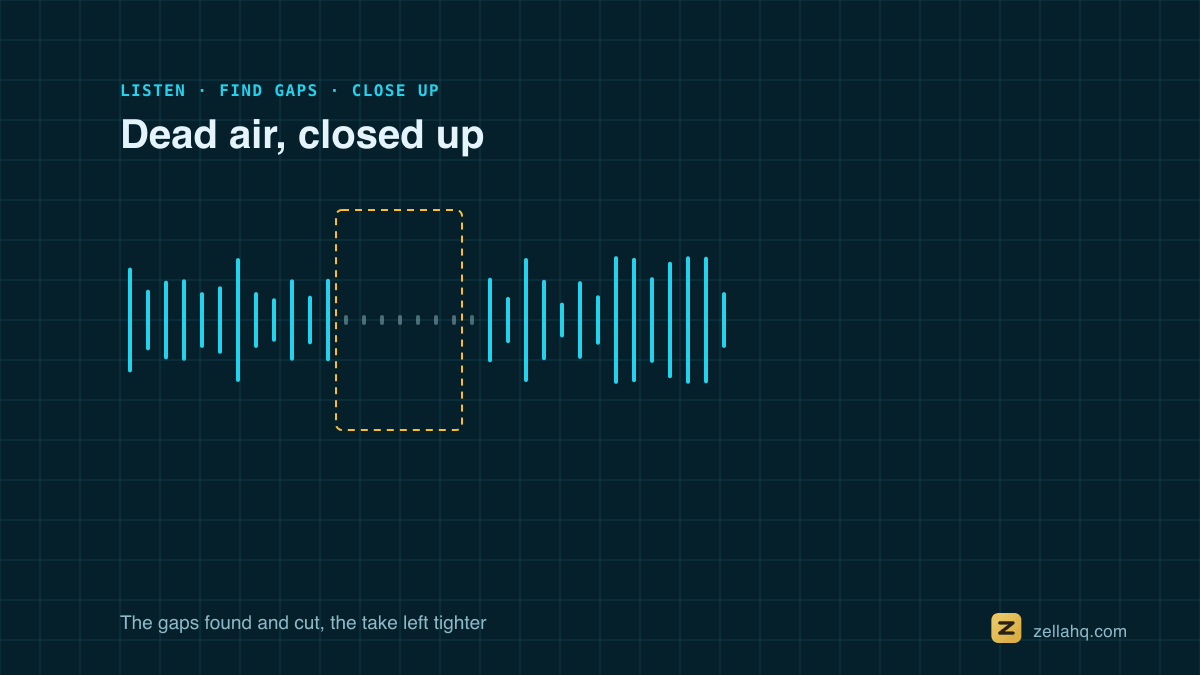
| 1 | Removes silences | Dead air between sentences is cut, with word-safe padding |
| 2 | Removes filler words | "Um", "uh" and "like" are trimmed |
| 3 | Adds a hook | An opening title built from your first spoken line |
| 4 | Cuts where you pause | Extra cuts at your real pauses, never on a timer |
| 5 | Blends the widest joins | A cross-dissolve on about eight cuts, spread across the take |
| 6 | Cleans and polishes the voice | Apple's Voice Isolation, then warmth, compression and -14 LUFS |
| 7 | Frames and punches the opening | Zooms to your face, starts about 1.3x in, settles out over about 1.7 s |
| 8 | Emphasis zooms | Small zooms on your strongest words, capped and spaced |
| 9 | Mood-matched music | A loop matched to your pace that dips under speech and fades out |
| 10 | Pattern interrupts | Breaks up any stretch still static for six seconds or more |
The full wording is in the on-device AI docs.
Steps 1 to 4: the cuts
Silences go first. The cut keeps a little padding either side of each word so nothing gets clipped mid-syllable. Filler words come next, and on iPhone they really do get cut: the phone transcribes with a verbatim on-device Whisper model that writes out every "um" and "uh", so the filler pass can see them.
The hook is an opening title from your first spoken line, sized to the canvas. Then Auto-Polish cuts at your natural pauses on a long continuous take. An earlier version cut every five seconds and the result was tiring to watch, so the cuts now follow how you actually speak. Silence removal and pacing explains why dead air costs viewers.
Step 5: blending the joins
All those cuts would jump. Auto-Polish puts a gentle cross-dissolve on about eight of the widest-spaced joins, however long the take, including joins the silence pass just made. One quiet transition spread across the video, not a flourish at every cut. See transitions for the reasoning.
Step 6: the voice
Auto-Polish lifts your voice out of the room with Apple's Voice Isolation engine, the same one Final Cut Pro uses. Then the studio polish adds warmth and compression and brings the loudness to -14 LUFS, a broadcast-style level. Where Voice Isolation is not available, a neural denoiser stands in. The voicing follows the tone set in Audio, then Voice tone, with Podcast as the default.
Steps 7 and 8: framing and zooms
The video opens punched in on your face, at about 1.3x, and settles out over about 1.7 seconds. The first seconds decide whether someone keeps watching, so they get their own move.
Through the rest of the video, emphasis zooms land on your strongest words. They are capped so they stay tasteful and never stack on a transition. If you move around the frame, they step aside: zooms on a moving subject read as chaos.
Steps 9 and 10: music and pattern interrupts
Auto-Polish picks a music loop to match your pace and energy, starts it on the take's first beat, dips it under your speech, swells it in pauses and fades it out at the end. Last, it scans the finished timeline and breaks up any window that has stayed visually still for six seconds or more.
If you have picked a platform preset, it finishes with a face-aware reframe to that shape.
What Auto-Polish leaves out, and why
- Captions. Tap Captions or Generate captions when you want them.
- A colour grade. A preset forced onto footage it was not made for does more harm than good. The looks stay in Effects, then Looks.
- Sound effects. Effects under every cut sounded busy on real takes. They live under Auto sound at cuts.
Want all three in one go? That is what Make it Viral does.
Running it again, and undoing it
Re-running Auto-Polish never stacks doubles: it replaces its own previous work, so a second run after you change something is safe. To take it off, tap Revert on the applied card, or Undo in the top bar.
From Zella 1.0.19, Reset in Effects is a menu with three choices: Reset this clip's effects, Reset effects on ALL clips, and Undo Auto-Polish, which restores your original clips in one step. Auto-Polish also finishes sooner in 1.0.19, because it listens to your video once instead of twice.
Common mistakes
- Expecting captions. Auto-Polish adds none. Tap Captions after it.
- Running it on a scripted, already-tight take. There is little dead air to cut, so most of the change is music and zooms. Try the single tools in Clean up, Make Vertical and Polish Voice.
- Running Auto-Polish and Make it Viral back to back. Pick one. Make it Viral already contains Auto-Polish.
- Judging the opening only. Watch to the end. The pauses, zooms and music arc are spread across the whole video.
Resources and further reading
- On-device AI on iPhone: Auto-Polish, Make it Viral and Make Vertical.
- Sound on iPhone: voice tones and Remove Noise.
- Zella's one-click features and the editor.
- ITU-R: BS.1770 loudness measurement, the standard behind LUFS.
Frequently asked questions
What does Auto-Polish do on iPhone? It runs a ten-step edit in one tap: silence and filler cuts, a hook title, cuts at natural pauses, blended joins, voice cleanup, an opening punch-in, emphasis zooms, mood-matched music and pattern interrupts.
Do I still need the Captions tool after one tap? Yes. Captions are one tap of Captions afterwards, or use Make it Viral, which writes them.
Is Auto-Polish free? Yes, on every plan. Free exports are watermark-free up to 2 minutes at 1080p.
Can I run Auto-Polish twice? Yes. It replaces its own previous work rather than stacking a second set of cuts and music.
Does Auto-Polish need the internet? No. It runs on the iPhone. Your video is not uploaded.

Written by
Nasir Uddin Shamim
Founder of Zella
Nasir Uddin Shamim is the founder of Zella. He built his career in SEO, AI, and marketing - never short on ideas, but every one of them hit the same wall: turning a raw recording into a video worth posting. Like most beginners, he burned hours fighting complicated editors and shipped far less than he wanted to. So he built Zella, a screen recorder and AI editor for Mac and iPhone that does the hard parts for you - first to unblock himself, and now to help anyone go from raw clip to polished video without the learning curve.
More from Zella: fresh tutorials on the channels above, plus product updates and editing tips straight to your inbox.
Make your next video with Zella.
Record, edit and ship on Mac and iPhone - local, private, free to start.
PART OF A SERIES
One-tap edits and vertical reframing
Make it Viral, Reel Pack, Auto-Polish and reframing 16:9 to 9:16.
- What Does Make it Viral Do? The One-Tap Pass Explained
- Reel Pack vs Make it Viral: Which One-Tap Edit to Use
- What Auto-Polish Does on iPhone, Step by Stepyou are here
- How to Auto Reframe a 16:9 Video to 9:16
- How to Keep Your Subject Centered When Cropping to Vertical
All of it lives under Ship Everywhere.
RELATED