To dub a video on iPhone you mute the original sound and record a new voice track while watching the picture. Put the playhead where the new audio starts, wear headphones so the microphone does not record the video back, turn the original clip volume down, then record in short passes. In Zella that is Audio, Record voiceover, with the Audio tool holding the volume of every track. Dubbing a language is the same steps with a translated script.
On this page
Dubbing means replacing a video's sound with a new recording. People do it to swap a noisy original for a clean voice, to narrate a silent clip, or to put the video in another language. The steps are the same in each case.
Decide what you are replacing
There are two different jobs:
- Narrating over the original. The original sound stays, quietly, under your voice. Good for a clip with natural ambience.
- Replacing it. The original is muted and only the new audio plays. Good for wind noise, a bad mic or a translation.
Know which one you want before you record, because it decides the volume setting later.
Apple's Final Cut Pro user guide is the shortest useful explanation of levels and headroom - including why a technically correct peak can still sound bad.
The iOS side of screen capture is ReplayKit, Apple's framework for recording and broadcasting the display.
Step by step
- Open the clip and set the playhead where the new audio should begin, not at the top of the timeline.
- Put headphones in. Without them the microphone picks up the video's own sound and your take comes out hollow and doubled.
- Turn the original down. In the Audio tool, drop the clip's volume to zero to replace it, or low to keep a bed of ambience.
- Record while the picture plays. In Zella this is Audio, then Record voiceover. The video plays in the recording sheet, so you speak to the cut and not to a stopwatch.
- Record in short passes. One or two sentences at a time. A mistake then costs seconds, and each pass is easy to nudge into place.
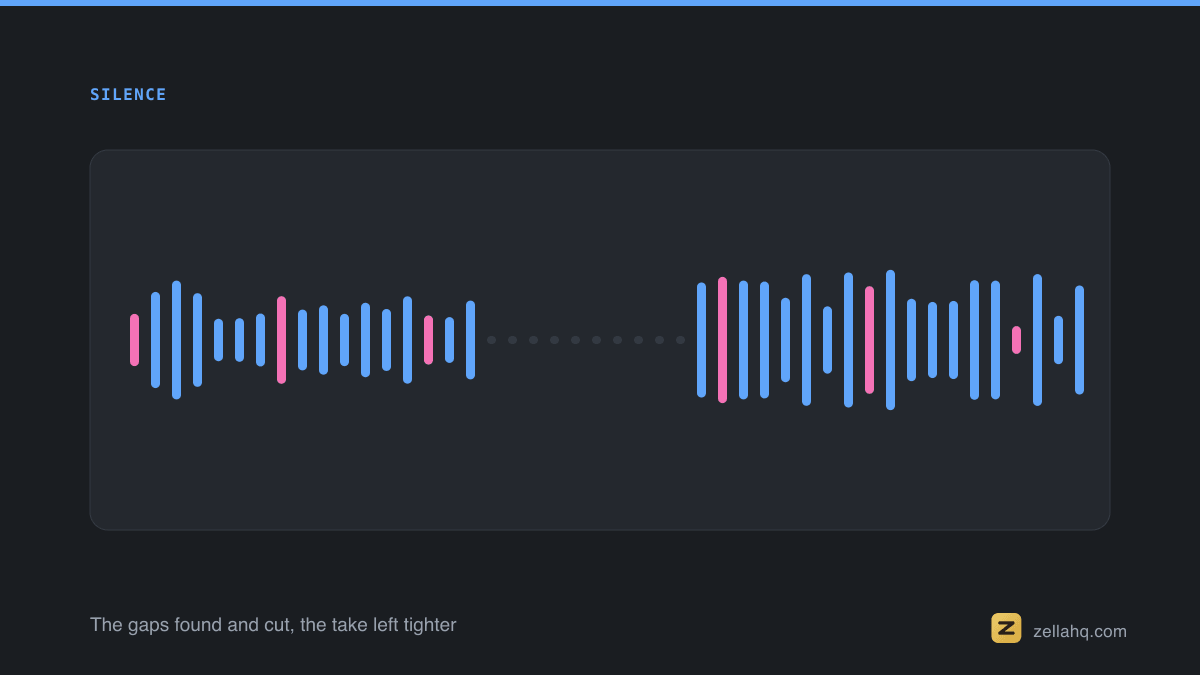
- Leave a beat of silence before and after each pass. It gives you room to trim and helps music dip cleanly around your voice.
The full method, including how to hold the phone and cut room echo, is in how to record a voiceover on iPhone while the video plays.
Dubbing into another language
Translate the script first, and read it aloud once before recording. A line that runs long in the new language will overrun its shot, so shorten it rather than speeding up your delivery. Then record in passes against the picture, as above. If the original had on-screen captions, add captions in the new language so viewers who watch without sound still follow.
Fixing a weak take
A thin, boomy or noisy recording is common on a phone. Moving closer to the microphone, facing a soft surface and switching off a fan fix most of it before you press record, which is far easier than repairing it afterwards. See how to make your voice sound better in a video for the cleanup options.
Check the result
Play the finished video once with headphones and once through the phone speaker. If the new voice drowns in the music or the old sound leaks through, adjust the volumes in the Audio tool, then export.
Frequently asked questions
How do I remove the original audio from a video on iPhone? Set that clip's volume to zero in the editor's audio controls. The picture stays and the sound is silent.
Can I record a voiceover while watching the video? Yes. Zella plays the video inside the recording sheet while you speak.
Why does my voiceover sound echoey? Usually the microphone is recording the video's sound back. Wear headphones, and record in front of a soft surface such as a curtain.
Can I dub a video into another language? Yes. Translate the script, record it in short passes against the picture, and add captions in the new language.

Written by
Nasir Uddin Shamim
Founder of Zella
Nasir Uddin Shamim is the founder of Zella. He built his career in SEO, AI, and marketing - never short on ideas, but every one of them hit the same wall: turning a raw recording into a video worth posting. Like most beginners, he burned hours fighting complicated editors and shipped far less than he wanted to. So he built Zella, a screen recorder and AI editor for Mac and iPhone that does the hard parts for you - first to unblock himself, and now to help anyone go from raw clip to polished video without the learning curve.
More from Zella: fresh tutorials on the channels above, plus product updates and editing tips straight to your inbox.
Make your next video with Zella.
Record, edit and ship on Mac and iPhone - local, private, free to start.
RELATED