What Makes a Video Shareable? The Psychology of Sharing
People share what makes them look good, what hits an emotion, or what genuinely helps. Seven concrete ways to build those triggers into your edit.
Read →BLOG - PAGE 3
Practical guides for recording, editing and shipping - straight from the team building Zella.
People share what makes them look good, what hits an emotion, or what genuinely helps. Seven concrete ways to build those triggers into your edit.
Read →
A reach drop is almost never a shadowban. Work the diagnostic in order: retention, completion, content fatigue, posting consistency, flagged assets.
Read →
First traction in 1 to 3 months, a stable audience in 6 to 12, plus the three levers that actually speed it up. A stage-by-stage table, not a promise.
Read →
Square or vertical, 30 to 90 seconds, captions burned in, a hook built on one specific result. The structure and tone that earn comments, not just views.
Read →
Photos can only retime a Slo-mo clip. Here is how speed multipliers, ramps and the full octave of pitch you get at 2x actually work on a phone timeline.
Read →
Lead with the outcome, build the whole cut around one hero moment, and end on a single CTA. The six-beat structure and the edit checklist that sells it.
Read →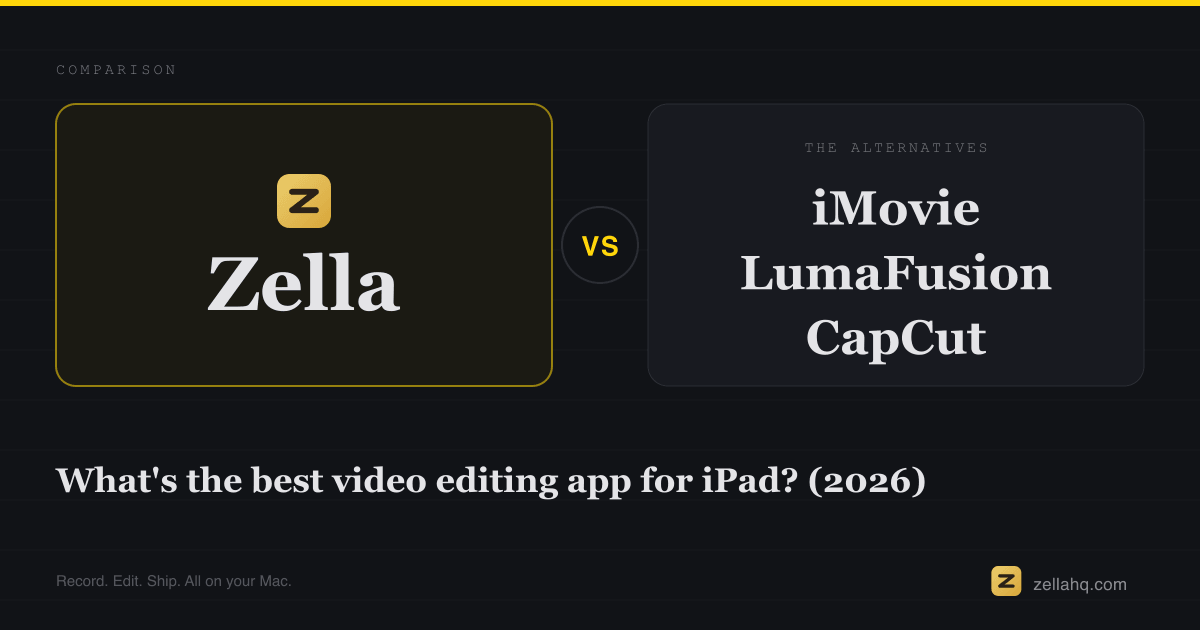
Watermarks, subscriptions, cloud uploads and dead-end projects: four checks before you commit, plus where iMovie, LumaFusion, Resolve and Final Cut sit.
Read →
Reach a second audience with the video you already made, and keep word-by-word caption animation landing on the right words in the new language.
Read →
Your end title composites onto nothing and vanishes. Here is why, and how a full-screen card gives text somewhere to live before or after your footage.
Read →
The four-part promo structure - hook, problem, product, CTA - plus target lengths per platform and a 45-second script template you can fill in today.
Read →
Photos cannot do it and Apple Music tracks are locked out of iMovie. Here is the route that works, plus the ducking step that keeps narration on top.
Read →
A 60-minute webinar holds 8 to 15 shorts. How to comb the recording for teaching moments and Q&A answers, then fit slides into a vertical 9:16 frame.
Read →
Hiss survives denoising because the loudness stage after it amplifies the residue. Two measurements that prove it, and three fixes in order.
Read →
Your blog post is already the script. Lift the core argument and 3 to 5 supporting points, record it, then add captions, B-roll, and a 3-second hook.
Read →
One episode gives you 5 to 10 vertical clips. How to pick the moments, cut them to 21 to 34 seconds, reframe to the active speaker, and caption them.
Read →
Watermarks, wrong length, a hook built for a warmer audience, missing captions: the 8 usual causes, each with a fix, plus a 15-minute Reels reset.
Read →
A side-by-side on audience, discovery, length, monetization and shelf life, so you know which platform earns a native upload and which gets the repost.
Read →
Trial, freemium or watermark-ware: how to tell which one you are installing, what Apple's trial rules actually oblige you to do, and where to cancel.
Read →
Stretch an overlay into a wide band, a tall sliver or a background-removed cutout, and stop pre-cropping the source in another app just to fit a layout.
Read →
The Photos app only offers mute or unmute. Here is how per-clip gain, overlay levels and auto-dipping background music actually work on a phone timeline.
Read →
Win the first 3 seconds, cut every 2.5-4 seconds, caption for muted viewers, pick the right length, and post when your audience is actually awake.
Read →
The halo, the flicker and the chunk of wall that follows your hand: what each artifact actually is, and the four fixes that remove it for good.
Read →
The small-audience playbook: UGC, services, digital products and affiliates, with a realistic monthly table for a creator with about 5,000 followers.
Read →
A zero-budget starter roadmap: pick one narrow niche, shoot on the phone you already own, plan your first 10 videos, and hold a cadence you can keep.
Read →
What 1 million views actually pays on TikTok, YouTube Shorts, long-form YouTube and Reels in 2026, in one payout table, plus why the ranges vary.
Read →
Screen recordings, voiceover over B-roll, text-on-screen stories and AI explainers: the faceless formats that perform, the tools, and the retention rules.
Read →
Six free editors rated on watermarks, export caps, AI captions and privacy: CapCut, iMovie, DaVinci Resolve, Zella, Canva and Shotcut. Pick by device.
Read →
About 85% of social video is watched muted, so captions decide who keeps watching. The numbers behind the lift, plus how to add captions well.
Read →
Educational shorts travel when they teach one thing fast. Here is the hook-promise-payoff structure, a line-by-line script example, and the edits that hold.
Read →
Content pillars are the 3 to 5 themes your channel keeps returning to. Here is how to pick yours, example sets by niche, and the grid that yields 70+ videos.
Read →Ask about Zella
Answers come from Zella's own documentation.
Hello. Ask me anything about Zella - pricing, what is free, recording, captions, exports or a problem you are hitting.
If I do not know, I will open a support ticket for you.